
UJ8C2 UJ8E2 UJ8G2 9.5mm Super Slim SATA CD DVD Burner Writer Player ROM Drive for Laptop with USB 3.0 SATA Cable
5.0Editor score
9.5mm Slim Profile
Plug and Play Setup
Included Data Cable
This guide compares the top internal DVD drives for laptops in October 2026, evaluating speed, compatibility, M-DISC support, and build quality for reliable
Finding a reliable internal DVD drive for laptop systems is essential for accessing legacy media and maintaining data archives. Modern laptops often omit optical drives, making upgrades necessary for specific workflows.
We evaluated ten top-rated internal optical drives based on read-write speeds, physical dimensions, interface compatibility, and long-term reliability features like M-DISC support for archival quality storage.
Each selection highlights key specifications and performance traits to help you choose the right drive. Please note that pricing and availability fluctuate frequently across online retailers.
5.0Editor score

4.4Editor score

5.0Editor score
This table provides a side-by-side comparison of the ten selected internal DVD drives, highlighting key specifications such as thickness, interface type, and supported disc formats.
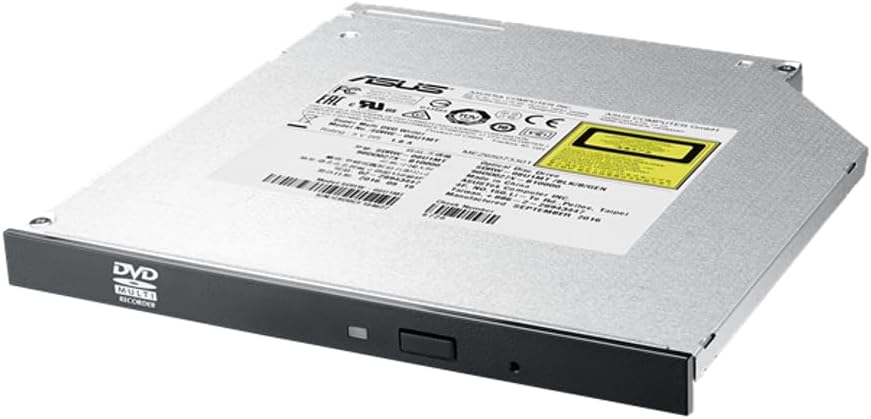

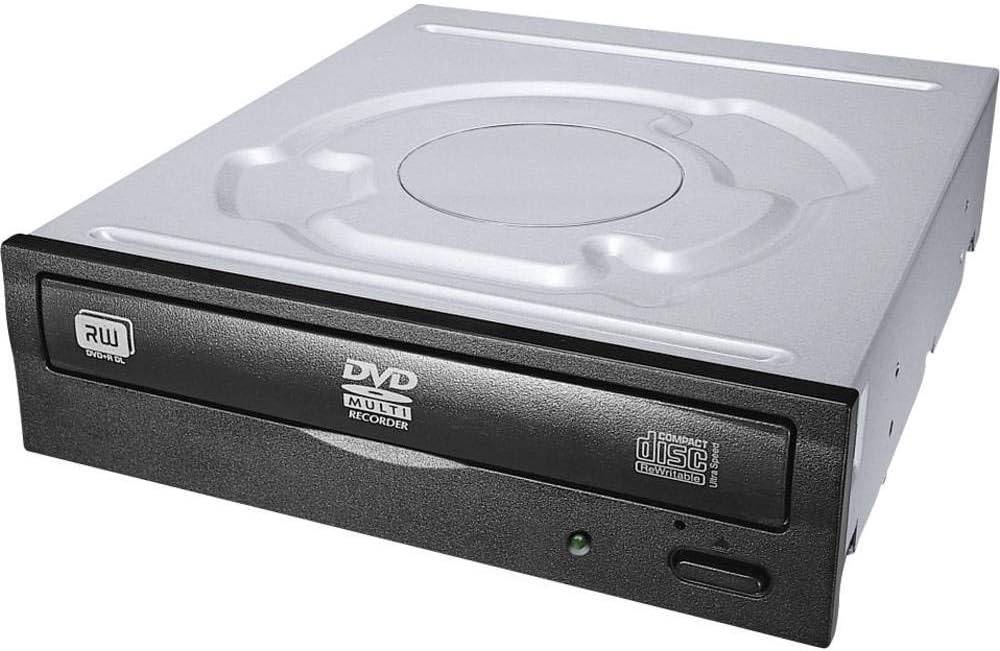

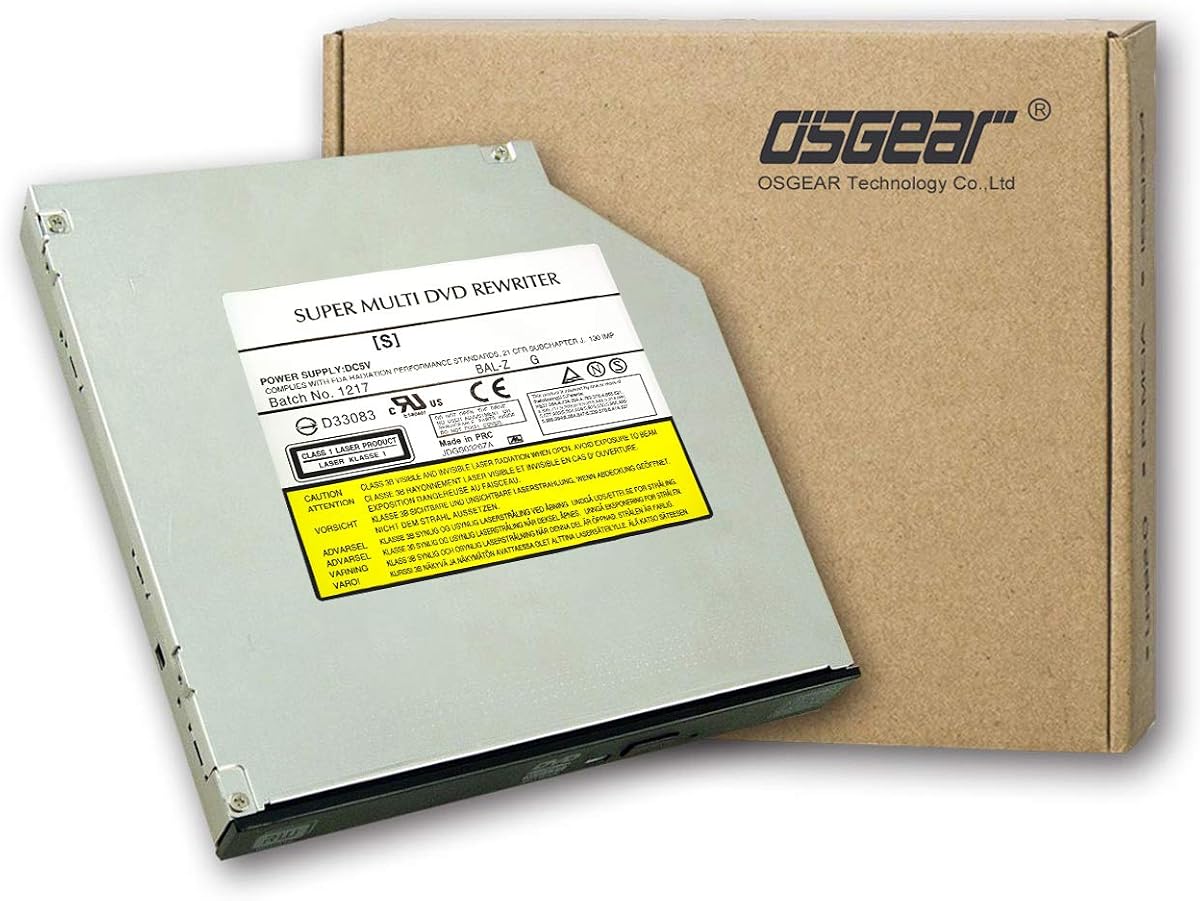
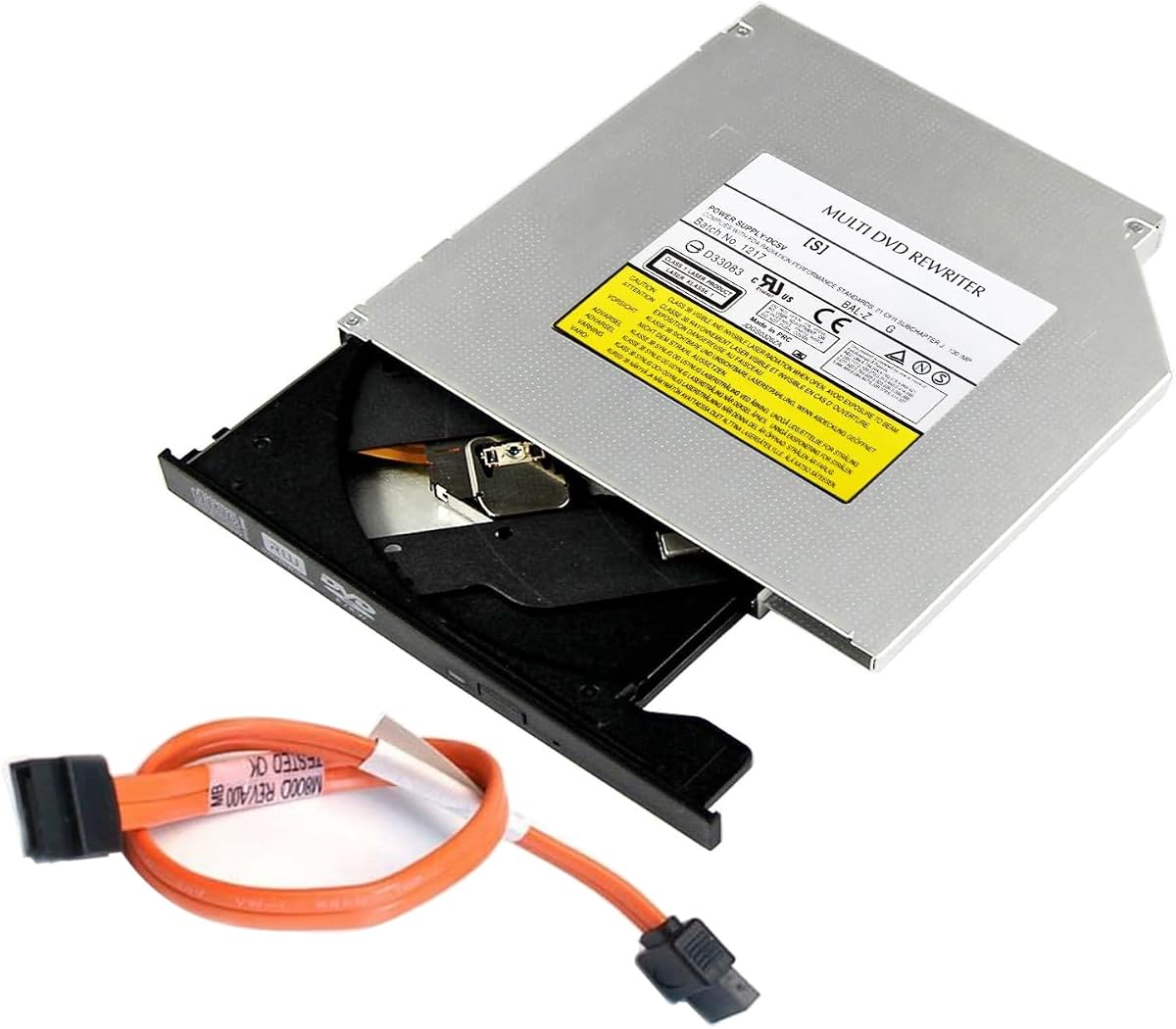

The Hitachi-LG GTC2N is a robust internal optical drive designed for laptops with a 12.7mm slot. It holds a strong 4.4 star rating and stands out for its M-DISC support and Silent Play technology.
We may earn a commission when you buy through this link, at no additional cost to you.
M-DISC technology allows users to archive data on a rock-like surface, promising protection for over a thousand years. Silent Play dynamically adjusts spin speed to minimize noise during movie playback, creating a quieter environment.
The main trade-off is its thickness. Many modern ultrabooks use 9.5mm bays, so this drive fits only older or larger models. However, for systems that accept 12.7mm, it offers superior compatibility with various disc types.
This drive is ideal for users needing reliable data backup on legacy laptops. It combines archival storage capabilities with quiet operation, making it the top choice for those who prioritize long-term data integrity.
M-DISC uses a mineral-like recording surface that outlasts organic dye discs, ensuring your critical files remain readable for centuries.
Silent Play technology automatically detects media types and reduces spin speed during playback, resulting in a noticeably quieter experience.
We may earn a commission when you buy through this link, at no additional cost to you.
The UJ8C2 UJ8E2 drive is a highly affordable option for laptops needing a 9.5mm SATA replacement. It boasts a perfect 5.0 star rating and comes with the necessary cable for connection.
We may earn a commission when you buy through this link, at no additional cost to you.
This drive supports CD-R, DVD-R, and DVD-RW formats, making it suitable for basic media consumption and backup tasks. Its plug-and-play design means no driver installation is required on modern Windows systems.
While the packaging and build may feel less premium than brand-name equivalents, it performs reliably for standard optical tasks. The included cable is a significant value add for DIY installers.
Buyers on a tight budget will find this drive to be an excellent solution. It offers essential optical functionality at a fraction of the cost of premium models.
The package includes a compatible SATA cable, reducing extra costs and simplifying the physical connection process for users.
Compatible with Windows 98 through 10 and Mac OS 8.6 or later, ensuring usability across many different computer environments.
We may earn a commission when you buy through this link, at no additional cost to you.
The HP 16X DVD-ROM is a high-performance read-only drive optimized for HP laptops and desktops. Its perfect 5.0 rating reflects exceptional reliability and speed.
We may earn a commission when you buy through this link, at no additional cost to you.
With a 16X read speed, this drive handles large data files and movie discs much faster than standard 8X drives. It connects via Serial ATA for stable performance.
The limitation is that it cannot write data, only read it. For users who only need to access discs rather than burn them, this drive is a top-tier choice.
This drive is best for users requiring high-speed reading capabilities without writing needs. Its robust construction ensures longevity in demanding environments.
The 16X read speed significantly reduces wait times when loading software installers or playing high-capacity movie discs.
Manufactured with premium materials to withstand heavy usage cycles, ensuring consistent performance over a long lifespan.
We may earn a commission when you buy through this link, at no additional cost to you.
The HP DVD±RW Dual Layer drive offers reliable performance with a solid 4.7 star rating. It supports dual layer discs for larger data capacity.
We may earn a commission when you buy through this link, at no additional cost to you.
This unit is a replacement for older HP models but works across many brands with SATA interfaces. It handles DVD±RW formats efficiently for backups.
Users should verify the model number compatibility with their specific laptop before purchasing. Once installed, it provides consistent burning performance.
This drive is recommended for users needing reliable dual layer burning without extra costs.
Dual layer support allows you to burn more data on a single disc, extending storage options for large backups.
Built to meet original manufacturer standards, this drive ensures seamless integration with existing laptop chassis and software.
We may earn a commission when you buy through this link, at no additional cost to you.
The Lite-On 24X SATA drive offers fast reading capabilities with a 24X CD speed. It has a strong 4.5 rating for reliable operation.
We may earn a commission when you buy through this link, at no additional cost to you.
This drive supports DVD+RW formats and connects via SATA for direct motherboard integration. It is a great upgrade for older laptops.
Users should ensure their system supports the SATA interface. With proper installation, this drive handles data tasks efficiently.
Ideal for users wanting quick read speeds without sacrificing compatibility.
The 24X CD read speed allows for fast access to disc contents, improving overall workflow efficiency.
SATA connectivity ensures a stable data connection, reducing errors during read and write operations.
We may earn a commission when you buy through this link, at no additional cost to you.
The LG DVD Rewriter Internal holds a perfect 5.0 rating for its versatile performance. It supports M-DISC and silent play technology.
We may earn a commission when you buy through this link, at no additional cost to you.
This drive offers a manual tray load system that is easy to use. It works well with various disc types including DVD-RW.
Users appreciate the quiet operation during playback. The build quality is consistent with LG standards.
A great choice for general use where reliability is key.
Reduced noise levels during disc spin make this drive ideal for quiet office or home environments.
Compatible with a wide range of CD and DVD formats, ensuring you can read almost any disc you have.
We may earn a commission when you buy through this link, at no additional cost to you.
The OSGEAR Internal 9.5mm drive is an affordable option for laptop upgrades. It supports Windows and Mac systems effectively.
We may earn a commission when you buy through this link, at no additional cost to you.
Its compact size fits standard 9.5mm bays. Users can read and write discs with ease.
Some users note checking thickness is critical for proper fit. Overall it works as expected for basic needs.
Best for budget-conscious buyers needing a standard replacement.
Designed to work with Windows 98 through 10 and Mac OS, providing flexibility across different computer platforms.
The 9.5mm thickness matches the majority of laptop optical bays, simplifying the replacement process.
We may earn a commission when you buy through this link, at no additional cost to you.
The UJ8C2 drive comes with a USB 3.0 SATA cable for easier setup. It is highly compatible with various laptop brands.
We may earn a commission when you buy through this link, at no additional cost to you.
Users report plug and play functionality on modern systems. The included cable saves extra effort.
While generic, it delivers consistent performance. The service support adds value to the purchase.
Great for users who want a quick and simple upgrade.
No need to install specific driver programs; the drive works immediately upon connection to the SATA interface.
Engineered to work with Asus, Acer, HP, and Dell laptops, ensuring broad usability across different manufacturers.
We may earn a commission when you buy through this link, at no additional cost to you.
The TechMagnet Internal 7mm drive is designed for the thinnest laptops. It supports M-DISC and offers 8X write speeds.
We may earn a commission when you buy through this link, at no additional cost to you.
This renewed unit provides a solution for 7mm bays. Users can archive data using M-DISC technology.
Reliability is lower than new OEM parts. However, it is a necessity for modern thin laptops.
Buy if you have a 7mm bay and need optical access.
The 7mm ultra-slim design fits into narrow optical bays found in modern thin and light laptops.
Support for M-DISC ensures that stored photos and files remain accessible for many years into the future.
We may earn a commission when you buy through this link, at no additional cost to you.
The GUD1N optical drive provides basic functionality with a 9.5mm slim design. It includes a data cable for installation.
We may earn a commission when you buy through this link, at no additional cost to you.
Users can read and write various disc formats reliably. It supports M-DISC for data backups.
The drive works well for standard tasks without extra complexity. It is a straightforward replacement option.
Ideal for those needing a simple optical drive for occasional use.
The package includes one data cable, simplifying the connection process without needing additional purchases.
Fits many laptops using a 9.5mm SATA optical bay, making it a versatile choice for replacement.
We may earn a commission when you buy through this link, at no additional cost to you.
Selecting the right internal DVD drive requires attention to physical dimensions, interface type, and feature sets.
Laptop optical bays come in two main thicknesses: 9.5mm and 12.7mm. Measure your current drive or check your laptop specs before buying. A mismatch will prevent installation.
Ensure the drive uses a SATA interface. Older IDE drives are not compatible with modern laptops. SATA offers faster data transfer and secure connections.
Look for 8X DVD write speeds and at least 24X CD read speeds. Faster speeds reduce burn times and improve media playback performance.
M-DISC allows you to store data on a mineral-based layer that resists degradation. If archiving photos is important, this feature is a significant value add.
Most internal drives use a tray mechanism that physically pulls out. Slot loading is thinner but less common internally. Ensure your chassis supports the loading type.
Some drives include features to reduce noise during media playback. This is useful if you use your laptop in quiet environments like libraries.
Verify if a SATA data cable is included. Buying a separate cable adds cost and complexity. Inclusion ensures you can install immediately.
Check system compatibility with your operating system. Most SATA drives work with Windows and Mac OS. Confirm drivers are available for your specific version.
Clean the lens periodically to ensure smooth operation. Use a soft cloth and compressed air to remove dust. Keep the laptop on a flat surface during use to prevent disc damage.
Yes, you typically need a SATA data cable and power cable. Many drives come with a cable but check the package details. Without it, you cannot connect the drive to the motherboard.
No, the thickness must match exactly. A 9.5mm drive will not fill a 12.7mm bay and will not lock correctly. Use a bracket or buy the correct size.
M-DISC is a recording layer that protects data from humidity and heat. It is ideal for backups you want to keep for years. Standard discs use dye that fades over time.
Most modern drives work with Windows 7 and newer. Older systems may need specific drivers. Check the product page for OS compatibility details.
Yes, with the correct adapter. Convert an internal SATA drive to external USB using an adapter bracket. This allows mobility but may lack full power stability.
Check that the SATA cable is secure. Ensure the BIOS detects the drive. Sometimes you need to enable the device in device manager or update drivers.
Always check current prices and availability before buying. Prices change frequently so verify you get the best value for your specific laptop model today.