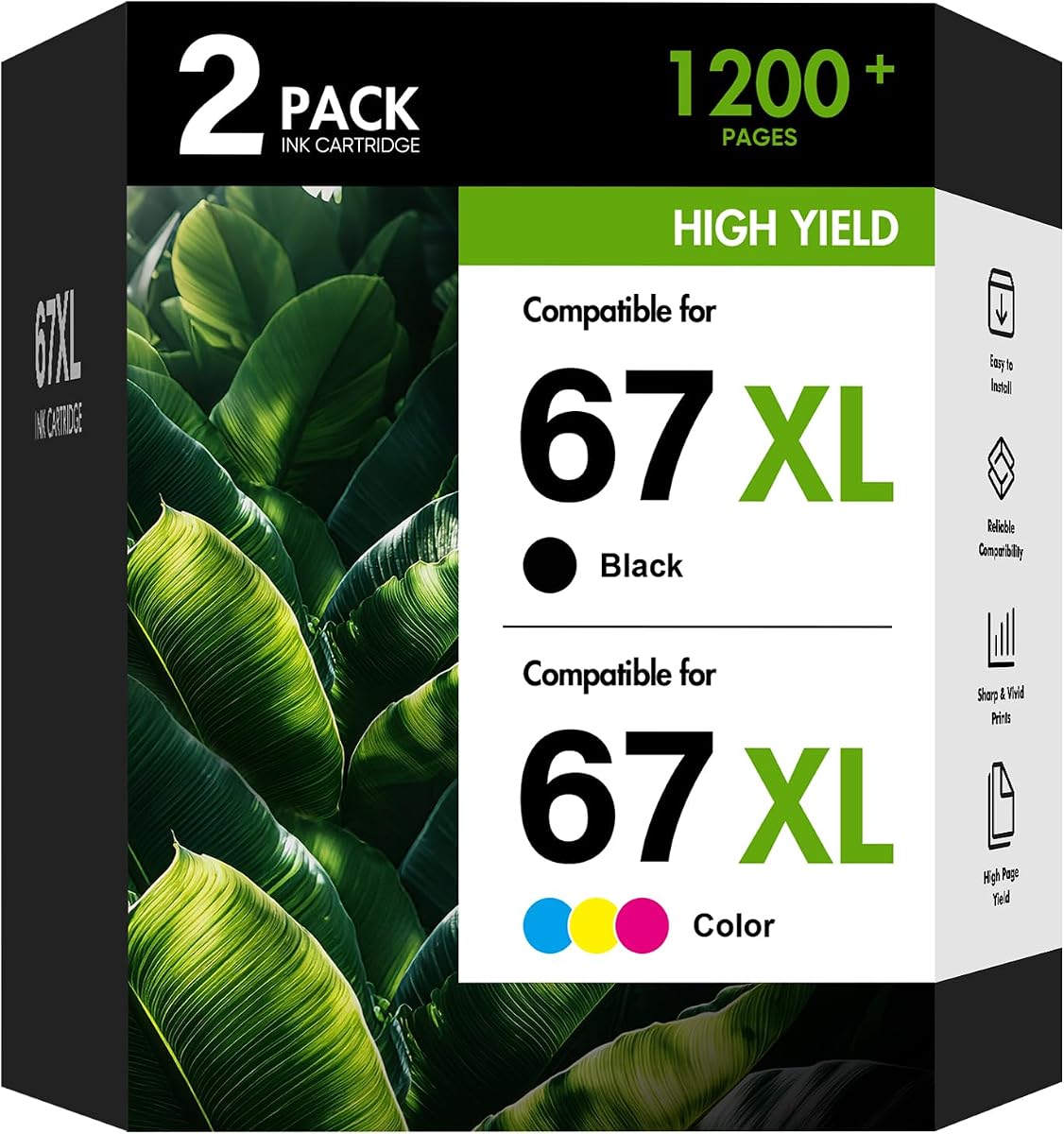
67XL 67 XL Ink Cartridges Black/Color Combo Pack
4.4Editor score
Combo pack black and color
Up to 750 pages black
Affordable third-party alternative
Find the best HP 67 ink cartridge replacement options. We compare original and third-party cartridges for performance, yield, and value in October 2026.
Finding the right HP 67 ink cartridge replacement is crucial for maintaining print quality and cost efficiency. Whether you need original HP cartridges or reliable compatible options, choosing wisely ensures your printer runs smoothly without unexpected interruptions or poor output.
We evaluated ten top-rated HP 67 ink replacement cartridges based on yield, compatibility, print quality, and user feedback. Our analysis covers both genuine HP products and high-performance third-party alternatives to help you make an informed decision for your specific printing needs.
Each product in this list highlights key features, pros, cons, and specific printer compatibility details. Prices and availability fluctuate frequently, so verify current costs before purchasing. This guide aims to simplify your search for the best HP 67 ink solution available today.
4.4Editor score

4.7Editor score

4.2Editor score
This side-by-side comparison breaks down the specifications and features of the top ten HP 67 ink cartridge replacements. Use this table to quickly identify which option best matches your printer model and page yield requirements.
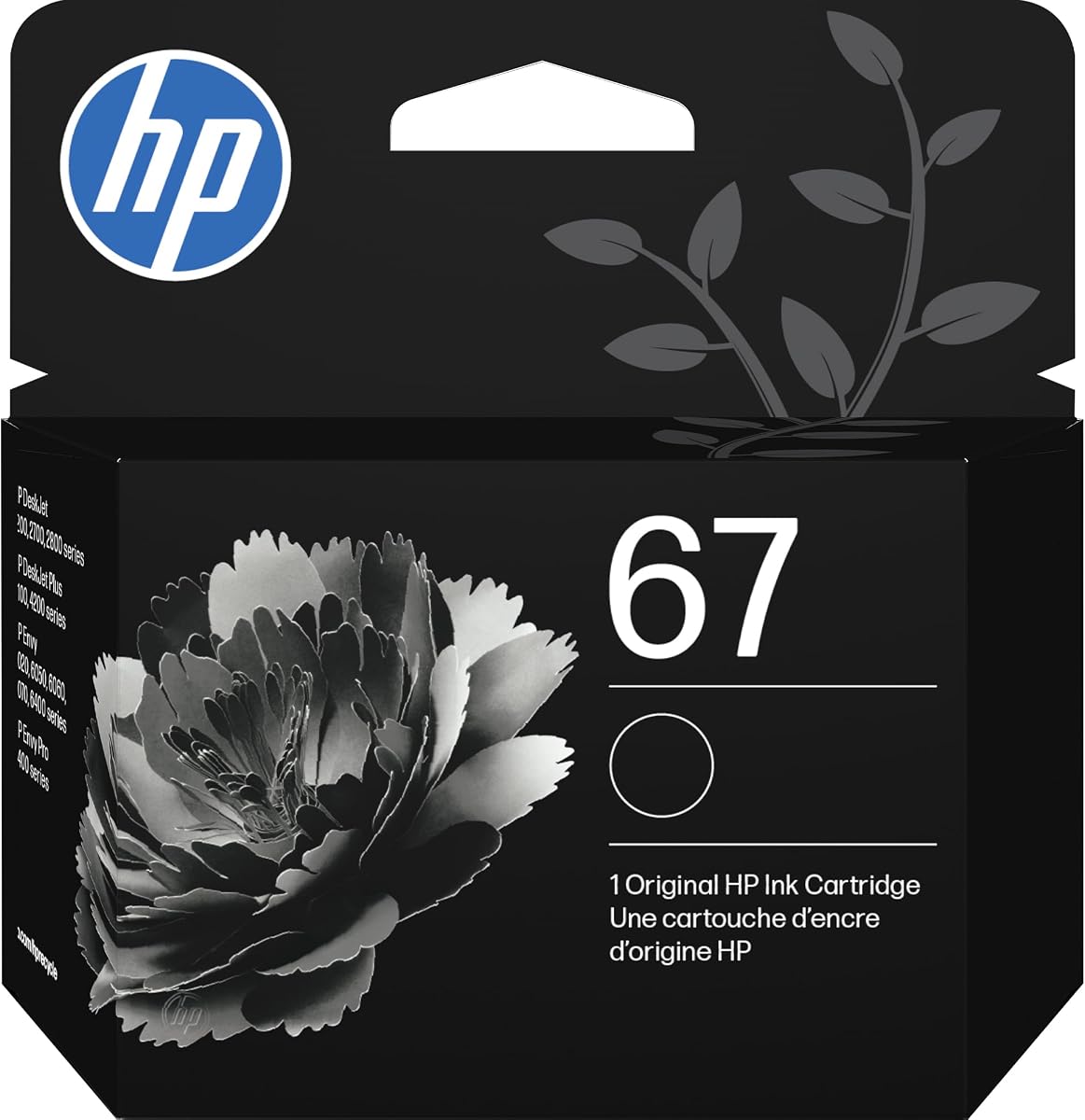


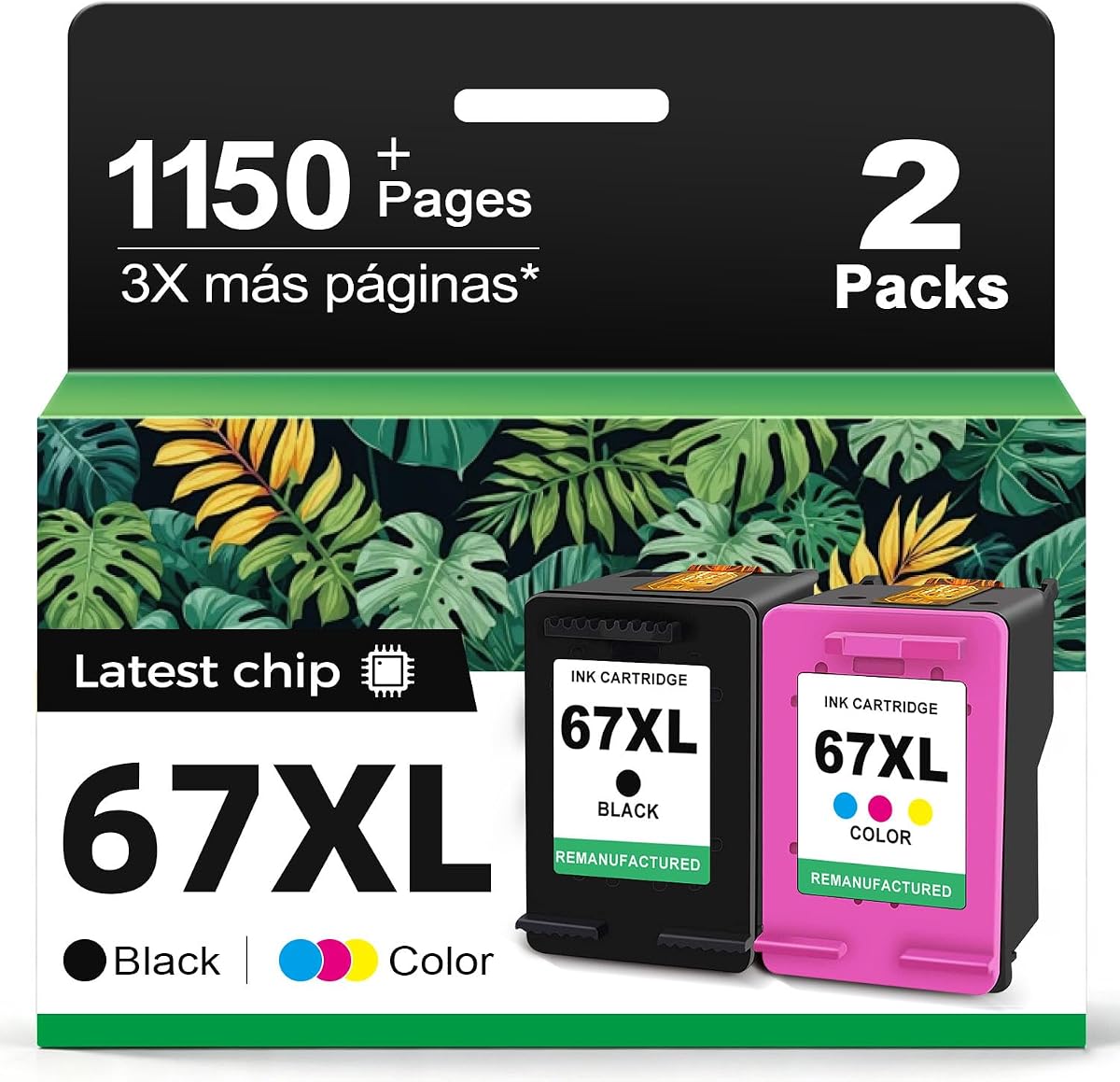


The HP 67 Black Ink Cartridge stands out as the trusted original choice for home and small office printers. With a 4.6-star rating, users appreciate its consistent performance and guaranteed compatibility across DeskJet and Envy series. It ensures your printer operates without error codes related to third-party chips.
We may earn a commission when you buy through this link, at no additional cost to you.
Engineered specifically for HP printers, this cartridge delivers reliable black output ideal for documents and text. Its Instant Ink eligibility means you can automate replenishment based on pages printed, saving time and managing supply levels proactively. The 120-page yield is modest but sufficient for low-volume printing needs.
While the yield is lower than high-capacity alternatives, the reliability and simplicity often outweigh the cost for users prioritizing uptime. There are no risks of recognition errors or voided warranties. For those who print occasionally or value manufacturer support, this remains the baseline standard for quality.
If you prefer peace of mind and seamless integration with your HP ecosystem, this cartridge is the safest choice. It works perfectly with DeskJet 1255, 2700, 4100, and Envy 6000, 6400 series. Confirm your model before purchase to ensure exact fit.
Enrollment in HP Instant Ink allows automatic shipping before you run out. This feature is especially useful for offices that cannot afford downtime due to empty cartridges.
As an original HP product, it undergoes strict factory testing. This ensures color accuracy and longevity in documents, which is critical for professional or school assignments.
We may earn a commission when you buy through this link, at no additional cost to you.
The HP 67XL Black High-Yield Ink Cartridge offers nearly double the standard capacity with approximately 240 pages per cartridge. It holds a 4.7-star rating, reflecting user satisfaction with its endurance and print fidelity. This option is ideal for businesses or families needing more black ink without frequent shopping.
We may earn a commission when you buy through this link, at no additional cost to you.
Being an original HP product, it maintains strict quality control standards. You avoid the headaches of chip errors or clogged nozzles common with cheaper generics. The Instant Ink eligibility remains intact, allowing flexible subscription management. It is specifically designed for high-volume black printing scenarios.
While the upfront cost is higher than standard cartridges, the cost per page is significantly lower. This makes it economically superior for regular users. However, it does not match the page counts of high-yield third-party packs. If reliability is your main priority, this is the premium choice.
This cartridge is a perfect upgrade for users printing frequent reports or assignments. It works with the same DeskJet and Envy models as the standard 67. Check your printer's ink slot to ensure it accepts high-yield XL versions before ordering.
Buying XL cartridges reduces the frequency of replacements. This saves time and ensures you are never caught with an empty printer during critical tasks.
XL cartridges are fully compatible with Instant Ink plans. This allows you to scale your plan based on total page usage rather than cartridge count.
We may earn a commission when you buy through this link, at no additional cost to you.
This 67XL combo pack delivers exceptional value with up to 750 pages for black and 450 for color. Users rate it 4.4 stars for its affordability and high capacity. It is a popular choice for schools and home offices needing color prints without overspending on original HP cartridges.
We may earn a commission when you buy through this link, at no additional cost to you.
The package includes both black and tri-color cartridges, making it a convenient two-in-one solution. It is explicitly compatible with HP Envy 6000 and 6400 series as well as DeskJet 2700 and 4100 series. The high yield ensures fewer interruptions for cartridge changes.
Note that as a non-OEM product, it may not work with HP+ printers locked to genuine ink. The 5% coverage yield is standard for third-party cartridges. While print quality is generally vibrant, very detailed photo prints may show slight variations compared to original ink.
For general document and photo printing needs, this pack saves significant money over time. It includes clear instructions for installation. Ensure your printer model is listed in the compatibility chart to avoid any issues during setup or usage.
This combo pack allows for vibrant color printing. It is suitable for school projects and photos, balancing quality with budget constraints effectively.
The page yield is significantly higher than standard original cartridges. This reduces the total cost of ownership for users with frequent printing demands.
We may earn a commission when you buy through this link, at no additional cost to you.
This third-party combo pack emphasizes reliability with upgraded smart chips designed to minimize recognition errors. With a 4.2 rating, it offers 750 pages for black and 450 for color. Users highlight the included technical support as a major advantage for troubleshooting installation issues.
We may earn a commission when you buy through this link, at no additional cost to you.
The ink is formulated to be smudge-resistant and fade-resistant for long-lasting documents. It is marketed for both professional documents and family photos. The packaging uses recycled components, appealing to environmentally conscious consumers. It supports E-series printers, ensuring broad modern printer compatibility.
Some users report occasional prompts to replace cartridges even if ink remains. Clearing the prompt typically resolves this. The cost savings are substantial compared to original cartridges. If you print high volumes of text and standard graphics, this option delivers strong value without compromising too much on quality.
This product is best for households or offices needing a balanced mix of performance and cost. It avoids the higher price of official HP ink. Always confirm your printer model against the compatibility list to ensure it supports non-OEM cartridges.
The upgraded chip helps the printer recognize the cartridge correctly. This feature reduces friction during setup and ensures accurate ink level tracking.
Backed by 24/7 technical support, you get help if the printer flags the cartridge. This service bridge the gap often felt with generic brands.
We may earn a commission when you buy through this link, at no additional cost to you.
TECKKIN offers these 67XL cartridges with 2026 upgraded chips to improve compatibility. The 4.0 rating reflects mixed user experiences, but many appreciate the quick recognition and accurate ink levels. It provides a budget-friendly alternative for those needing both black and color ink immediately.
We may earn a commission when you buy through this link, at no additional cost to you.
The yield of 700 pages for black and 450 for color aligns with standard high-yield third-party claims. It is compatible with DeskJet 2855e and Envy 6000 series. The premium ink aims to deliver clear text and bright images. A user guide is included to assist with setup.
You must avoid touching the chip or nozzles to prevent damage. This is a common requirement for third-party cartridges. While cheaper than original ink, it may not be suitable for photo-quality prints. For everyday documents and school projects, it provides sufficient quality.
This option is ideal for tech-savvy users comfortable with manual troubleshooting. The brand focuses on modern chip updates for newer printers. Verify your specific printer model is listed in the compatibility notes before purchasing to ensure seamless operation.
The upgraded chips are designed for newer HP printers. This ensures they function smoothly with updated firmware versions found on e-series models.
The ink quality is rated for clear text and bright images. It meets general office standards though it may lack the depth of original ink for photos.
We may earn a commission when you buy through this link, at no additional cost to you.
This 67XL combo pack markets itself as premium quality with crisp text and graphics. It holds a 4.2 rating and offers 650 pages for black and 450 for color. Users appreciate its compatibility with HP+ enrolled printers, which is rare for third-party options.
We may earn a commission when you buy through this link, at no additional cost to you.
The product includes a black and color cartridge. It is designed for home and office use. The focus is on delivering consistent quality that matches original ink for documents. It works with DeskJet 2700 and Envy 6000 series effectively.
The yield is solid though slightly lower than some competitors. For the price point, the performance is generally acceptable. Customer service is available to help with any recognition issues. It is a balanced option for those needing reliable color without paying premium brand names.
Choose this if you need a reliable all-in-one pack for mixed printing needs. The compatibility details suggest it works across a wide range of models. Ensure you follow the installation instructions carefully to maximize cartridge life.
Support for HP+ enrolled printers is a standout feature. Most third-party cartridges fail here, but this product claims successful operation.
The ink delivers crisp text and sharp graphics. This makes it suitable for professional documents where clarity is essential.
We may earn a commission when you buy through this link, at no additional cost to you.
This product features upgraded chip technology to ensure high yield. It offers 750 pages for black and 450 for color. The rating is 4.0, indicating it works well for many users but may have some occasional recognition issues. It is designed for DeskJet 2855e and Envy 6055e.
We may earn a commission when you buy through this link, at no additional cost to you.
The combo pack includes both black and color cartridges. Users note that it works well after initial setup. The upgraded chip helps reduce false low ink warnings. It is suitable for school and home printing needs. The packaging provides clear compatibility lists.
Some users mention needing to wipe contacts initially. Once set up, performance is steady. The yield is high enough to justify the purchase for regular users. It is a cost-effective choice for those needing both colors simultaneously.
Recommend this for budget-conscious users who print frequently. Ensure you check the specific model list to avoid compatibility problems. It is a solid alternative to buying two separate standard original cartridges.
The upgraded chip aims to communicate effectively with the printer. This reduces the frequency of manual resets required during usage.
The product lists numerous DeskJet and Envy models. Always double-check your exact printer model number against this list before buying.
We may earn a commission when you buy through this link, at no additional cost to you.
This option stands out for its environmental focus using recycled plastic bodies. It is ISO 14001 certified for environmental management. With a 4.3 rating, users like the balance of quality and sustainability. It offers 700 pages for black and 450 for color.
We may earn a commission when you buy through this link, at no additional cost to you.
The ink is safe and high quality for general printing. It works with HP+ enrolled printers as listed. The certifications suggest a commitment to quality control. It is suitable for both documents and photos. It is designed for modern DeskJet and Envy printers.
You should avoid touching the chip and nozzles. The casing is reinforced to reduce leakage risks. It is a good choice for companies prioritizing green procurement. The cost is reasonable for the added eco-credentials.
Choose this if you want to reduce plastic waste without sacrificing print quality. The yield is competitive with other third-party brands. Confirm your printer model matches the compatibility chart before placing your order.
ISO 14001 certification ensures environmentally responsible manufacturing. This makes it a great choice for green offices or eco-conscious households.
The reinforced casing helps prevent leaks during shipping. This feature ensures the ink arrives intact and ready for immediate installation.
We may earn a commission when you buy through this link, at no additional cost to you.
E-Z Ink provides these cartridges with smart chips for accurate level display. The yield is 705 pages for black and 455 for color. It has a 4.1 rating. The product is NOT compatible with HP+ printers, a critical detail for users.
We may earn a commission when you buy through this link, at no additional cost to you.
The guide provides steps for cleaning contacts if errors occur. This helpful advice reduces returns. The combo pack includes a user guide for easy setup. It works with Envy 6000 and DeskJet 2800 series. The ink is tested for quality.
If your printer is HP+, avoid this option. For standard printers, it offers a good value. The smart chip helps track ink levels reliably. You should keep the contact cleaning tip in mind for maintenance.
This is a solid choice for standard HP printers needing color. The yield is consistent with high-capacity third-party products. Always check if your printer has HP+ enabled before buying to ensure compatibility.
The detailed guide helps with setup. Cleaning tips are included to resolve common recognition errors quickly.
The smart chip displays accurate ink levels. This prevents unexpected run-out situations during important printing jobs.
We may earn a commission when you buy through this link, at no additional cost to you.
This product features the latest 2026 upgraded chips. It offers 705 pages for black and 455 for color. With a 4.0 rating, it provides a durable solution for home users. The reinforced casing reduces ink leakage risks during transport.
We may earn a commission when you buy through this link, at no additional cost to you.
It is compatible with DeskJet 2800 and Envy 6000 series. The chip ensures accurate ink level display. The ink is tested for sharp text and seamless gradients. It is suitable for a wide range of HP printers listed in the product details.
Avoid touching the chip or nozzles. This is a standard requirement for third-party cartridges. The casing is robust and cost-efficient. If you need both colors and reliable output, this is a good option.
Check your printer model carefully as it works with specific E-series printers. The yield is competitive for the price. It is a strong contender for budget printing needs. Ensure the printer is not locked to original HP ink.
The 2026 chips ensure better compatibility with newer firmware. This helps maintain reliable operation over time without frequent updates.
The reinforced casing protects the ink during shipping. This feature reduces the risk of leaks and ensures the product arrives ready to use.
We may earn a commission when you buy through this link, at no additional cost to you.
Selecting the right HP 67 ink cartridge involves balancing cost, yield, and printer compatibility. This section breaks down the key factors to consider before making a purchase.
Original HP cartridges guarantee full compatibility and Instant Ink eligibility. Third-party options offer significantly higher page yields and lower costs per page but may lack official support.
If you value warranty protection and seamless integration, choose original HP. For high-volume budget printing, third-party options like the TECKKIN or E-Z Ink packs are viable alternatives.
Your printer model determines which cartridges will work. HP+ enrolled printers strictly require original HP ink, while standard printers accept compatible cartridges. Verify your model is listed in the product specs.
Always cross-reference your specific printer model number with the compatibility chart provided by the seller to avoid receiving unusable cartridges.
Page yield varies from 120 pages for standard originals to over 700 pages for high-yield third-party cartridges. Estimate your monthly printing volume to choose the right capacity.
High-yield cartridges are better for frequent users to reduce replacement frequency. Standard or low-yield options suit occasional users who prefer lower upfront costs.
Original HP ink is formulated for specific color accuracy and smudge resistance. Third-party inks often match text quality but may vary in color saturation for photos.
For professional documents and photos, original ink ensures the best results. For homework and general office print, third-party options generally provide sufficient clarity.
Modern third-party cartridges use upgraded chips to communicate with your printer. These chips help display ink levels and prevent false error messages.
Look for products that mention upgraded chips or smart chips to ensure better recognition. Poor chip quality can lead to 'low ink' warnings even when ink remains.
Third-party sellers often offer 24/7 support to help with installation issues. Original HP support is available but may cost more due to higher cartridge prices.
Choose brands with clear support options to resolve recognition errors quickly. Good customer service adds value to third-party purchases.
Instant Ink plans are only valid with original HP cartridges. Compatible or third-party cartridges are not eligible for these subscription programs.
If you use Instant Ink, you must buy original HP ink to avoid losing the subscription benefits. Otherwise, buy compatible cartridges for cost savings.
Original packaging ensures secure transport and clear instructions. Third-party products vary in packaging quality and may require manual contact cleaning.
Follow the manufacturer's setup guide closely. Clean contacts with an alcohol swab if recognition errors occur to maximize cartridge lifespan.
When installing a new HP 67 cartridge, remove it from packaging and peel off the protective tape from the nozzle. Handle by the sides to avoid touching the chip or nozzles. Insert the cartridge into the holder and push until it clicks into place.
If your printer displays a 'Low Ink' or 'Non-Genuine' message, acknowledge it with OK or Continue. This is common with third-party cartridges. Ensure the cartridge is fully seated in the slot to avoid connection errors.
Store unused cartridges in a cool dry place away from direct sunlight. Keep them upright to prevent leakage. Clean the contact pins occasionally with a soft cloth to maintain good electrical connections with the printer.
HP+ printers typically block third-party cartridges to ensure only original HP ink is used. You must use original HP cartridges with HP+ enrolled devices to avoid errors or voiding your warranty. Always verify your printer's HP+ status before buying a replacement.
The HP 67XL is a high-yield version that holds more ink than the standard HP 67. XL cartridges print more pages—around 240 for black compared to 120 for standard. XL cartridges cost more upfront but save money per page over time.
Not all models. They are designed for specific DeskJet 2700, 4100, 6800 and Envy 6000, 6400 series. Always check the compatibility list on the product page to confirm your exact model is supported before purchasing.
Remove the cartridge and gently clean the gold contacts with a lint-free cloth or alcohol swab. Reinsert the cartridge firmly. If errors persist, restart your printer. These steps often resolve communication issues with third-party cartridges.
No. HP Instant Ink programs work exclusively with original HP cartridges. Third-party cartridges cannot be registered for the subscription service. If you want to use Instant Ink, you must purchase genuine HP ink.
Original HP cartridges generally offer better color accuracy and fade resistance for photos. Third-party cartridges are adequate for documents and general use but may not match the vibrancy of official ink for high-quality printing.
Our top picks include the HP 67XL for original reliability, the TECKKIN combo pack for high yield, and the E-Z Ink for support. Each offers unique advantages depending on whether you prioritize brand trust or cost savings.
If you use an HP+ printer, stick to original cartridges to avoid compatibility issues. For standard printers, third-party options provide massive savings without sacrificing document quality. Choose the package that matches your monthly page volume.
Prices fluctuate frequently so check current availability before buying. Ensure you verify your printer model and ink eligibility. This guide helps simplify your decision by focusing on the most important performance and cost factors.