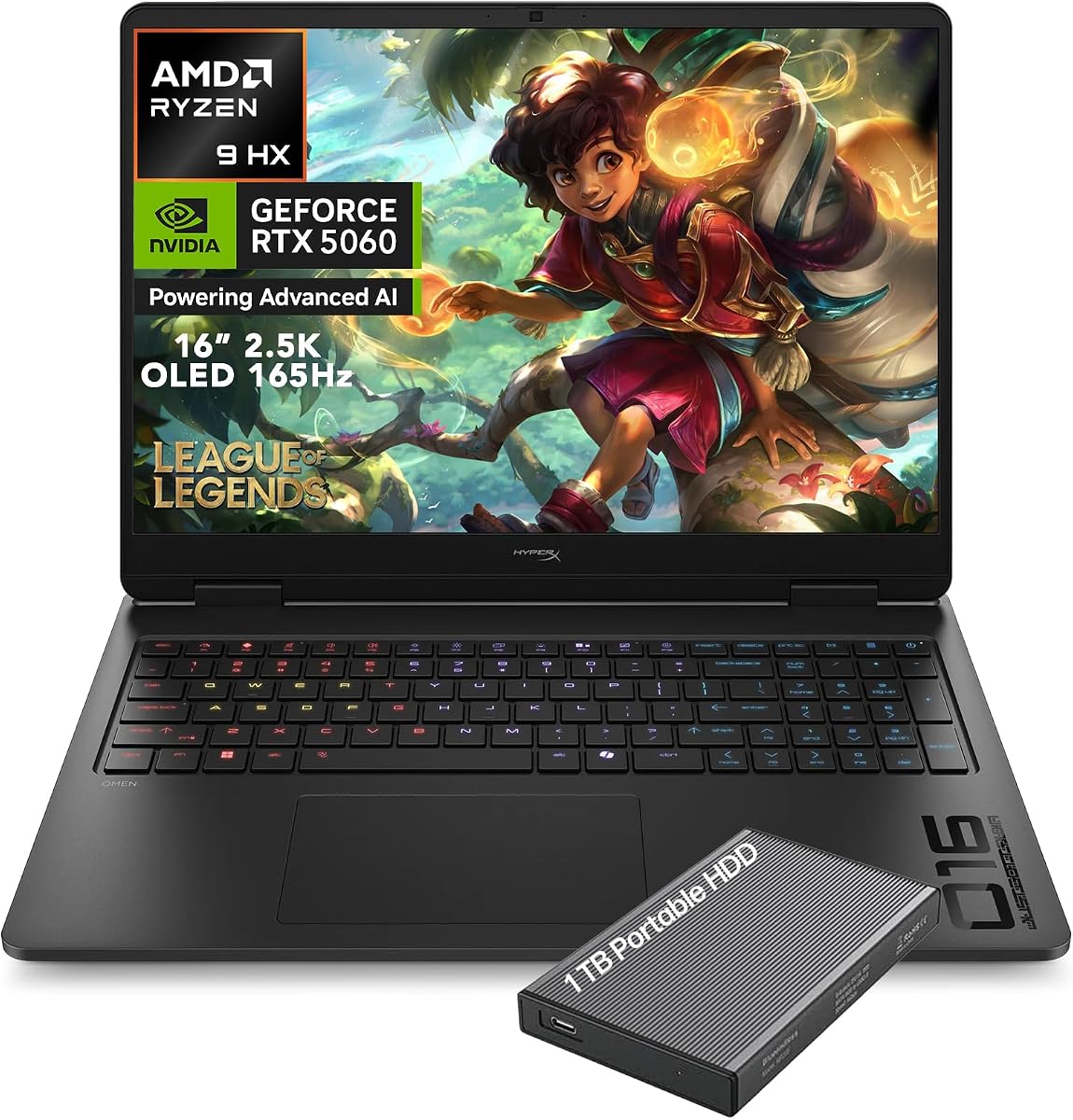
HP HyperX OMEN Gaming Laptop 2026
5.0Editor score
16 inch 2.5K OLED display
Ryzen 9 8940HX processor
RTX 5060 graphics with DLSS 4.5
Finding the right gaming laptop with an OLED display means balancing vivid colors with high performance. These screens offer deep blacks and fast refresh rates that enhance immersion in modern titles significantly.
We evaluated ten top models based on processor power, graphics capabilities, and screen quality. Each entry reflects real-world usability for gamers, creators, and professionals seeking premium visual fidelity.
Every pick highlights unique strengths like cooling, portability, or value. Prices and availability change often, so verify current offers before buying to ensure you get the best deal available today.
5.0Editor score

5.0Editor score

4.1Editor score
As an Amazon Associate we earn from qualifying purchases.
This side-by-side comparison highlights key specifications across all ten models. We focus on display quality, processor generation, graphics power, and memory configurations to help you spot the best fit.




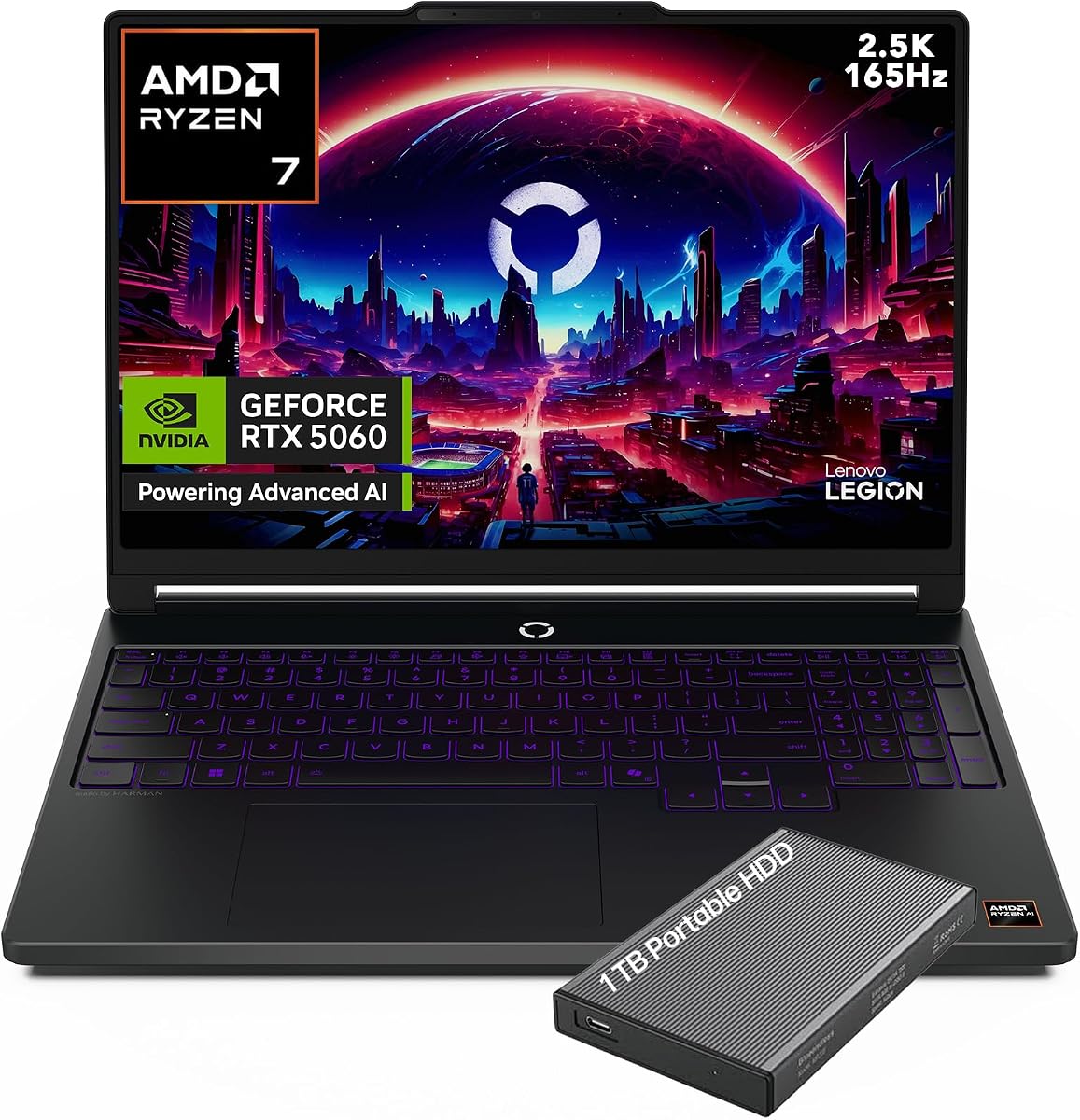
The Lenovo Legion 5a stands out as a top choice for gamers seeking immersive visuals and robust performance. Its OLED display delivers striking contrast and color accuracy that elevates both gaming and creative work.
We may earn a commission when you buy through this link, at no additional cost to you.
Equipped with the Ryzen 7 250 and RTX 5060, this laptop handles modern titles with ease. The 165Hz refresh rate ensures smooth motion while the 32GB DDR5 RAM supports heavy multitasking without slowdowns.
While the battery life may not match lighter ultrabooks under gaming loads, the Rapid Charge Pro feature helps mitigate downtime. The inclusion of Wi-Fi 7 also future-proofs connectivity for high-speed networks.
Ideal for enthusiasts who value screen quality and performance in equal measure. This model balances specs and design effectively, making it a reliable pick for home or travel use.
The WQXGA OLED panel with 100% DCI-P3 coverage ensures vibrant, accurate colors that bring games and media to life with exceptional clarity.
Integrated AMD Ryzen AI provides up to 16 TOPS of NPU power, accelerating supported tasks like streaming and creative workflows efficiently.
We may earn a commission when you buy through this link, at no additional cost to you.
This Legion model pairs an Intel Core i9 with an RTX 5070 to deliver top-tier gaming power. It suits users who need raw horsepower for AAA titles or intensive rendering tasks.
We may earn a commission when you buy through this link, at no additional cost to you.
The 15.1 inch OLED display offers crisp visuals with WQXGA resolution. Paired with GDDR7 memory on the GPU, frame rates remain stable even in graphically demanding scenarios.
While the 32GB RAM and 1TB SSD are generous, users should expect the laptop to run warm under sustained loads. Proper ventilation is key to maintaining peak performance over time.
Best suited for desktop replacements or stationary setups where portability is less critical. The combination of speed and screen quality makes it a strong contender for serious gamers.
The 14th Gen i9 processor ensures rapid compilation times and smooth multitasking, ideal for creators and power users alike.
RTX 5070 with GDDR7 supports ray tracing and AI upscaling for lifelike visuals in modern games and professional applications.
We may earn a commission when you buy through this link, at no additional cost to you.
This variant offers the same powerful Ryzen 7 250 processor and OLED screen but with 16GB RAM. It is a solid choice for gamers focused on title performance without overspending.
We may earn a commission when you buy through this link, at no additional cost to you.
The 1TB SSD provides ample space for your game library while the external drive adds extra storage. This bundle increases value significantly for users needing portable backup solutions.
Though 16GB RAM is sufficient for most games, future-proofing might require an upgrade. The Wi-Fi 7 ensures your connection remains fast even as home networks evolve.
Perfect for budget-conscious gamers who still want premium visuals. The external drive inclusion makes it a ready-to-use package out of the box for most setups.
A well-rounded mix of processor speed and display quality ensures smooth gameplay across a wide range of popular titles.
The included 500GB external drive extends your storage capacity without needing immediate additional purchases.
We may earn a commission when you buy through this link, at no additional cost to you.
The Legion 5i combines mobility with performance, making it ideal for students who game and study on the go. Its PureSight OLED display offers vibrant visuals for both work and play.
We may earn a commission when you buy through this link, at no additional cost to you.
With the RTX 5070 and 16GB memory, it handles modern titles well. The included PC Game Pass adds immediate value by providing access to hundreds of games right away.
The battery charges quickly via USB Type-C, allowing fast top-ups between classes. Legion Coldfront cooling ensures the system stays quiet even during long sessions.
Recommended for students who need a versatile laptop for coursework and entertainment. Its compact design and strong battery efficiency support a busy lifestyle effectively.
Fast charging and quiet operation make this laptop suitable for library or classroom use without disrupting others.
Three months of PC Game Pass allows new owners to explore a wide library of titles at no extra initial cost.
We may earn a commission when you buy through this link, at no additional cost to you.
This model shines for creators who need speed and precision. The Ryzen 9 HX 370 and RTX 5070Ti deliver top-end performance for rendering and video editing.
We may earn a commission when you buy through this link, at no additional cost to you.
The 240Hz OLED screen provides smooth motion and accurate colors. With 32GB DDR5 RAM and a 2TB SSD, you have room for large projects and fast workflow access.
Windows 11 Pro adds business features like BitLocker encryption. While the price is higher, the capabilities justify the cost for professional use cases.
Ideal for professionals who demand reliability and speed. The AI capabilities also help optimize workflow efficiency in supported applications.
32GB of DDR5 memory ensures seamless multitasking even when running multiple professional applications simultaneously.
The 240Hz refresh rate offers ultra-smooth visuals beneficial for both gaming and editing high frame rate content.
We may earn a commission when you buy through this link, at no additional cost to you.
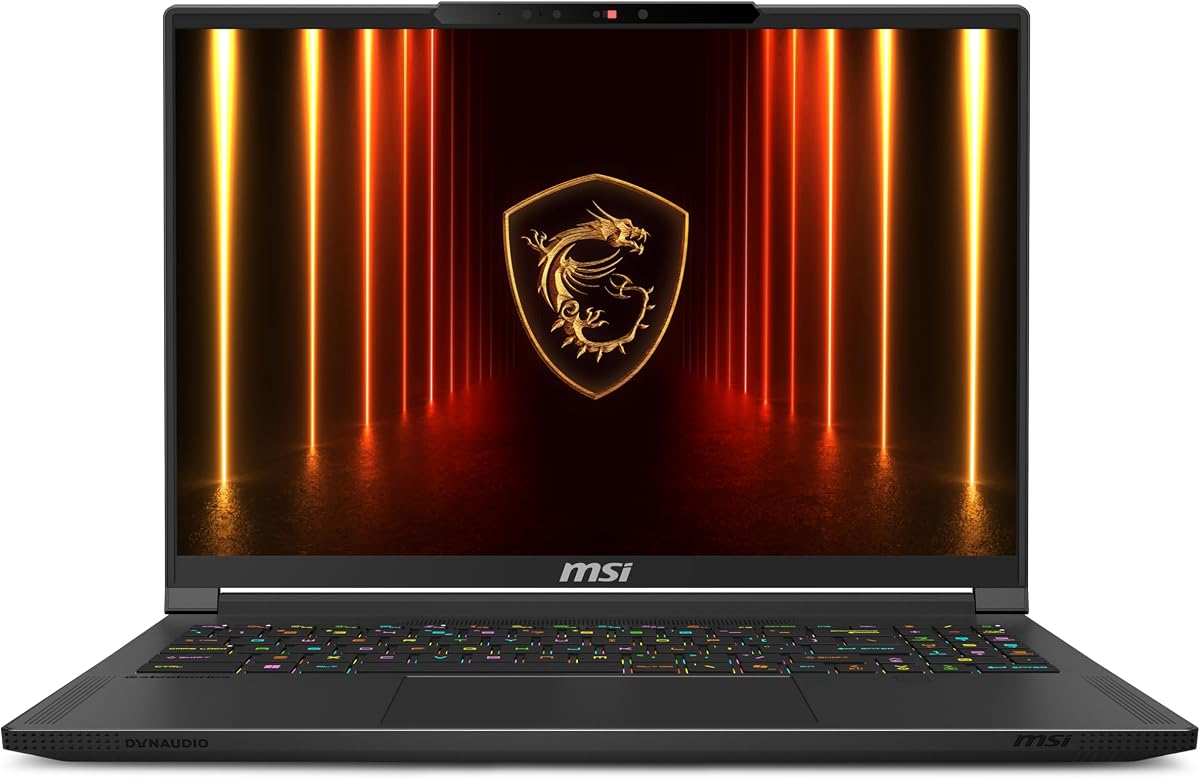
The Stealth 16 AI+ offers high-end Intel processing paired with powerful graphics. It suits users who prefer Core Ultra chips for their integrated NPU capabilities.
We may earn a commission when you buy through this link, at no additional cost to you.
The 240Hz OLED display delivers crisp motion and vivid color. 32GB of DDR5 RAM ensures smooth operation for demanding tasks like 3D rendering or virtual machines.
Wi-Fi 7 provides exceptional wireless speeds for large file transfers. While the 1TB SSD is standard, external storage may be needed for massive game libraries.
Best for professionals or enthusiasts seeking top-tier hardware. The combination of speed and connectivity makes it a versatile tool for work and play.
Wi-Fi 7 ensures your network stays ahead of congestion and lag for stable online gaming and streaming.
QHD+ resolution on a 16 inch screen provides detailed imagery essential for precision editing and gaming.
We may earn a commission when you buy through this link, at no additional cost to you.
This 2026 edition maintains the strong specs of the Legion 5a line. It delivers high frame rates and sharp visuals for both gaming and media consumption.
We may earn a commission when you buy through this link, at no additional cost to you.
The Ryzen 7 250 paired with 32GB of memory ensures responsiveness. The OLED display continues to offer deep blacks and rich colors that enhance immersion.
Storage is solid at 1TB though expandability is key for large libraries. The 165Hz refresh rate keeps motion smooth in fast-paced titles.
Recommended for users who want reliability and screen quality. It balances performance and visual fidelity well for most gaming needs.
High refresh rate support ensures fluid motion that reduces blur in competitive gaming scenarios.
WQXGA resolution provides sharp text and detailed textures that make games look more realistic.
We may earn a commission when you buy through this link, at no additional cost to you.
The HP HyperX OMEN delivers excellent performance at a competitive price point. The Ryzen 9 8940HX processor ensures smooth gameplay and rapid task handling.
We may earn a commission when you buy through this link, at no additional cost to you.
The 16 inch OLED display offers stunning color accuracy and deep blacks. VESA Certified DisplayHDR True Black 1000 ensures high contrast for dark scenes.
HyperX audio and 4-zone RGB keyboard add to the immersive experience. While 16GB RAM is standard for the price, upgrade options are available.
A great choice for budget-conscious gamers seeking premium visuals. The blend of performance and display quality makes it a standout value option.
HyperX dual speakers with DTS:X Ultra deliver spatial sound that enhances in-game positioning and atmosphere.
0.2ms response time ensures minimal ghosting and crisp image transitions during fast action sequences.
We may earn a commission when you buy through this link, at no additional cost to you.
This bundle offers significant storage and memory upgrades. The Core i9 processor supports intense workloads and high-FPS gaming with ease.
We may earn a commission when you buy through this link, at no additional cost to you.
The 2TB SSD ensures room for extensive libraries while the OLED screen delivers vibrant visuals. RTX 5070 graphics handle ray tracing and AI upscaling well.
24-Zone RGB customization lets you personalize your setup. It is a robust machine for those who need maximum onboard capacity without external drives.
Best for power users who want to avoid storage constraints. The combination of high RAM and massive SSD makes it a long-term investment.
2TB SSD capacity eliminates the need for external drives and speeds up load times for large projects.
24-Zone RGB keyboard allows precise lighting effects to match your aesthetic and gaming mood.
We may earn a commission when you buy through this link, at no additional cost to you.
The 2026 model continues the proven Legion 5a legacy. It provides consistent performance for everyday gaming and creative tasks.
We may earn a commission when you buy through this link, at no additional cost to you.
The OLED screen remains a highlight with deep blacks and accurate colors. Precision TrueStrike keyboard delivers reliable tactile feedback for typing and gaming.
Wi-Fi 7 ensures your connection stays stable and fast. While battery life is average, USB-C charging offers quick power replenishment.
Perfect for users seeking a reliable machine with strong visual quality. It balances performance and portability effectively for daily use.
Precision TrueStrike keyboard with single-zone RGB provides accurate key response and customization options.
Wi-Fi 7 support ensures you stay ahead with faster wireless speeds and better network management.
We may earn a commission when you buy through this link, at no additional cost to you.
Choosing a gaming laptop with an OLED display involves balancing visual fidelity with performance. Here are key factors to consider before making your final decision.
OLED panels offer perfect blacks and high contrast that make games look vibrant. Look for high refresh rates like 120Hz or 240Hz for smooth motion and low response times.
Prioritize displays with 100% DCI-P3 coverage for color accuracy and HDR support for enhanced visuals in supported content.
Modern games require powerful CPUs and dedicated GPUs. Aim for RTX 5060 or higher to ensure smooth gameplay at high settings without bottlenecks.
High-end CPUs like Core i9 or Ryzen 9 help with multitasking and streaming while you play.
16GB DDR5 RAM is standard for smooth multitasking while 32GB offers future-proofing for heavy workloads. Ensure storage is at least 1TB to accommodate large game libraries.
Consider laptops with SSD expandability if you plan to install many titles without using external drives.
Gaming laptops generate heat under load so effective cooling is essential. Look for vapor chambers or multiple fans to maintain performance during long sessions.
Proper airflow prevents thermal throttling which can reduce frame rates unexpectedly.
OLED displays and powerful components drain battery quickly. Check battery capacity and charging speeds to ensure you can use the laptop for hours without being near an outlet.
USB Type-C fast charging is a valuable feature for quick top-ups on the go.
Weight and thickness matter if you travel often. Lighter models around 4 to 5 pounds are easier to carry compared to bulkier desktop replacements.
Consider the charger size and cord length to ensure comfort when working from different locations.
Wi-Fi 7 and Bluetooth 5.4 ensure fast wireless speeds and stable peripheral connections. Multiple USB-C and USB-A ports are useful for external monitors and drives.
Check for HDMI 2.1 support if you plan to connect to high refresh rate external displays.
A good keyboard improves typing comfort and gaming response. RGB lighting can enhance aesthetics while solid speakers or 3D audio support create immersion.
Look for anti-ghosting technology to ensure every keypress is registered accurately during intense gameplay.
Always use a cooling pad during extended gaming sessions to prevent overheating. This helps maintain stable performance and extends the lifespan of your internal components.
Adjust brightness settings when using your laptop in dark rooms to reduce eye strain and conserve battery life. OLED screens can be dimmed effectively without losing contrast.
Keep your drivers updated via the manufacturer software to ensure optimal performance for new games. Regular updates also include security patches that keep your system safe.
OLED offers deeper blacks and faster response times which are ideal for gaming. However IPS panels may last longer without burn-in risks over many years of use.
Gaming laptops typically offer shorter battery life due to high-performance components. Expect 4 to 6 hours of general use and less under gaming load.
Many gaming laptops allow upgrades but it depends on the specific model. Check the manufacturer manual to confirm if access points are open for DIY installation.
Wi-Fi 7 provides faster speeds and lower latency compared to previous standards. This helps reduce lag in online gaming and large file transfers.
Avoid static images like taskbars on your screen for long periods. Use screensavers and adjust auto-dim settings to reduce pixel stress.
Yes many models feature strong CPUs and GPUs that handle streaming well. Ensure your RAM is sufficient for running games and streaming software simultaneously.
We highlighted top models like the Lenovo Legion 5a and HP HyperX OMEN for their balance of performance and display quality. Each picks offers unique advantages depending on your budget and needs.
Prioritize your specific needs whether that is raw power or portability. A strong display and GPU will future-proof your purchase for years of smooth gaming.
Remember that prices change often so check current listings before buying. Verify current deals and bundles to maximize value for your new gaming setup.