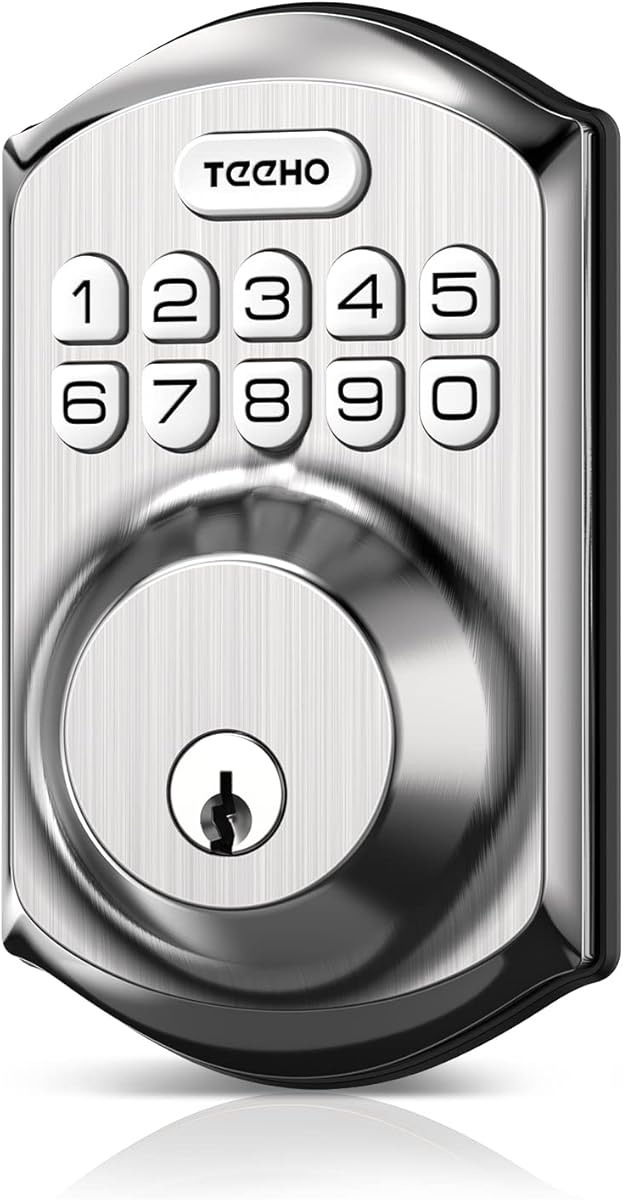
TEEHO TE001 Keyless Entry Deadbolt
4.5Editor score
20 access codes
One-time PIN codes
Auto-lock capability
This guide compares the top 10 digital door locks for 2026, evaluating features, security, and ease of use to help you secure your home.
Upgrading your entryway with a digital door lock provides unmatched convenience and security for modern homeowners. These devices eliminate the need for physical keys while offering robust access control options.
We evaluated ten top-rated models based on installation ease, connectivity, battery life, and biometric speed. Our analysis ensures you find a reliable lock that fits your specific needs.
Each pick below highlights key strengths and ideal user scenarios to guide your decision. Remember that product availability and pricing may change, so verify current details before purchasing.
4.5Editor score
4.3Editor score
4.2Editor score
This side-by-side comparison highlights the core specifications and unique capabilities of each digital door lock to simplify your selection process.





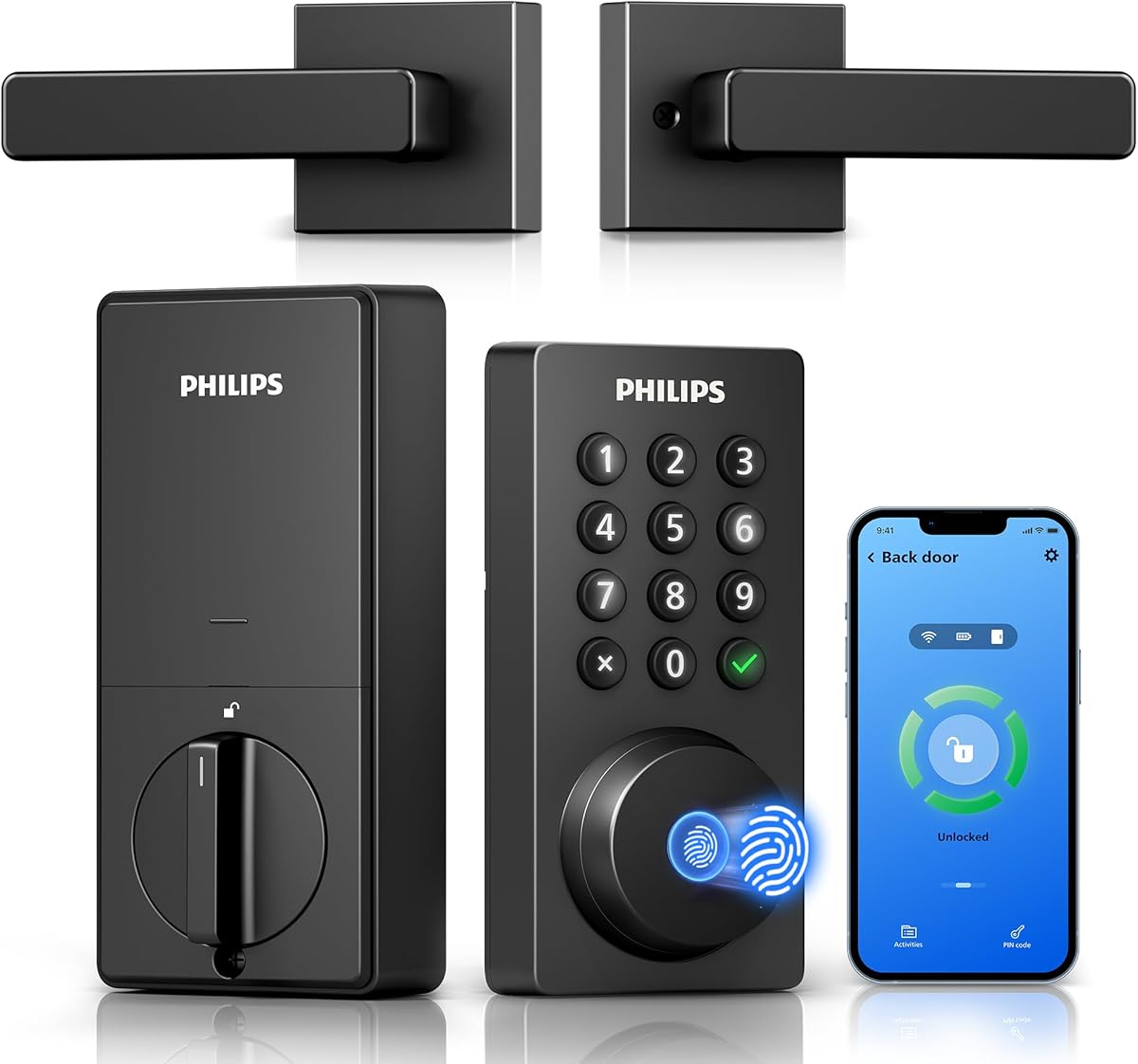
The Philips WiFi Keypad Deadbolt stands out with its built-in connectivity and fast biometric access. It receives a solid 4.3 rating from users who value convenience and reliability.
We may earn a commission when you buy through this link, at no additional cost to you.
Its 0.3-second fingerprint recognition ensures quick entry while the app allows you to manage access codes remotely. The handle set included makes it a complete solution for front door upgrades.
While it relies solely on 2.4GHz networks and requires manual auto-lock setup, these minor limitations are outweighed by its robust feature set and intuitive interface.
Ideal for homeowners seeking a reliable smart lock without extra hubs, this model delivers excellent value and performance for daily family use and guest management.
Connect directly to your home network without a hub to lock or unlock your door from anywhere using your smartphone.
Set auto-lock timers and monitor real-time access history to ensure your home stays secure even when you are away.
We may earn a commission when you buy through this link, at no additional cost to you.
This Philips model offers exceptional flexibility with five unlock methods and support for up to 100 custom passcodes. It earns a 4.2 rating for its versatile access management options.
We may earn a commission when you buy through this link, at no additional cost to you.
The Away Mode provides extra security by disabling all methods except the master code when you are traveling. Instant alerts keep you informed whenever the door opens or locks.
It lacks a door sensor and requires careful cable routing during installation, but these do not significantly impact its overall usability for most standard doors.
Perfect for busy households or property managers, this lock combines smart connectivity with reliable physical security to streamline daily access control.
Create scheduled or one-time codes for guests and track every entry through the app for full transparency.
Use Alexa or Google Assistant to lock or check your door status hands-free for added convenience.
We may earn a commission when you buy through this link, at no additional cost to you.
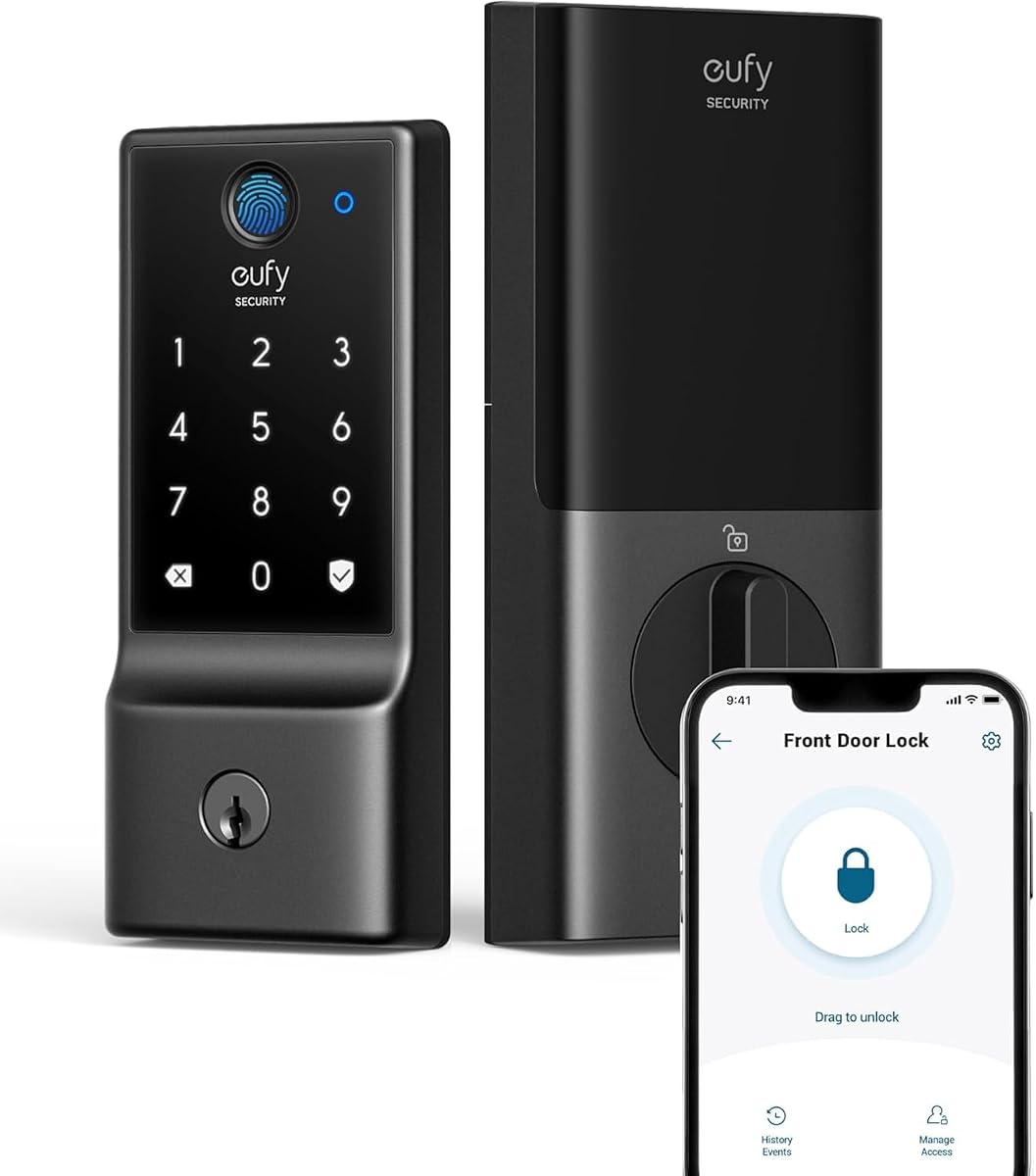
The eufy Smart Lock C220 shines with its eight-month battery life and self-learning AI fingerprint recognition. Users appreciate its ability to adapt to fingerprints over time for faster access.
We may earn a commission when you buy through this link, at no additional cost to you.
It supports six unlock methods including Apple Watch and voice assistants while maintaining a secure local storage environment. The integrated eufy ecosystem allows easy pairing with other smart devices.
Installation requires a standard 54mm bore hole and may not fit all doors without modification, but the quick setup process is straightforward for most homeowners.
This lock is ideal for those seeking reliable long-term performance and smart features without needing a hub or frequent battery changes.
The self-learning AI improves recognition accuracy with each use to reduce failed attempts and frustration.
Add your lock to routines with eufy doorbells for seamless smart home automation and control.
We may earn a commission when you buy through this link, at no additional cost to you.
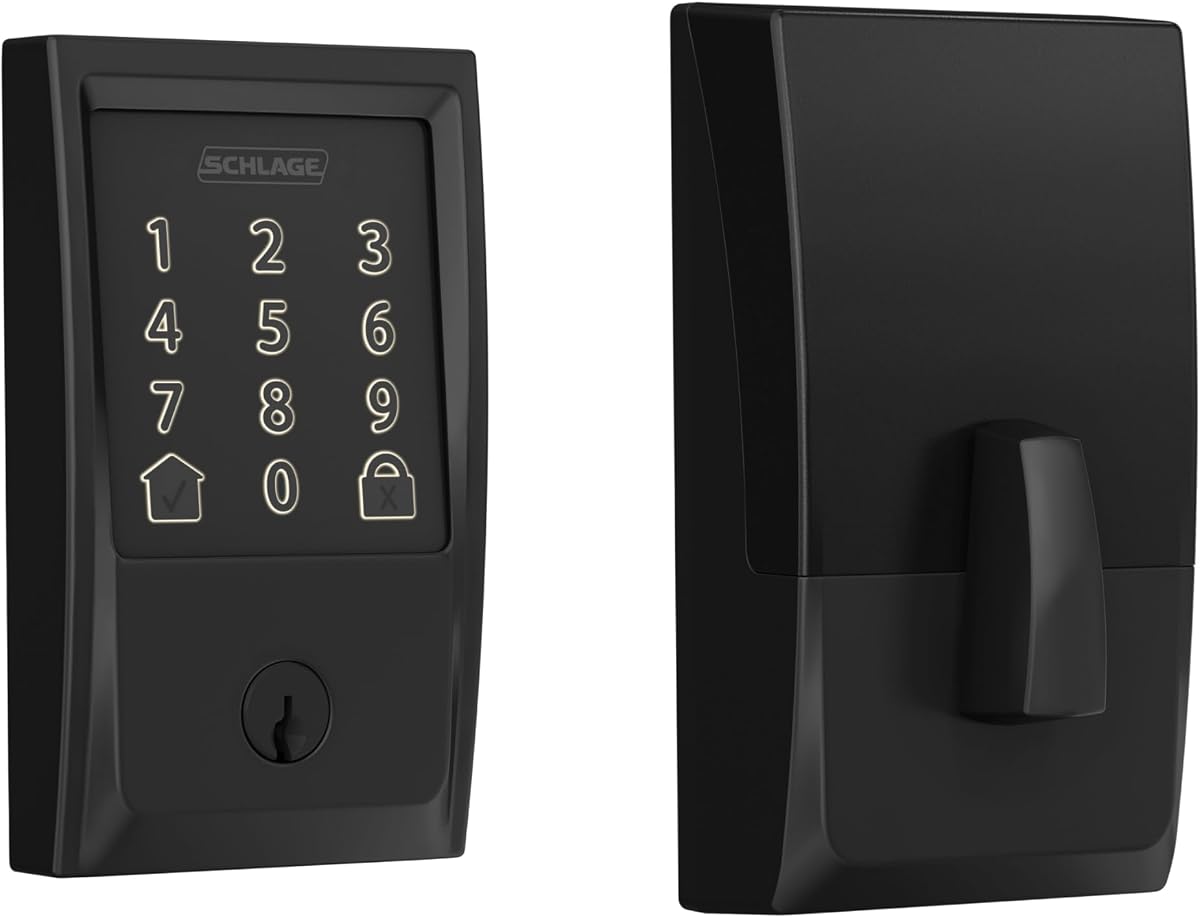
Schlage Encode sets the standard for residential security with BHMA Grade 3 certification and built-in customizable alarms. Its 4.2 rating reflects trusted durability and advanced protective features.
We may earn a commission when you buy through this link, at no additional cost to you.
The encrypted connection and fingerprint-resistant touchscreen provide peace of mind while managing up to 100 access codes via the app. Its sleek design enhances curb appeal without compromising function.
Although it comes at a premium price, the investment ensures long-term reliability and robust protection against forced entry or tampering attempts.
Homeowners prioritizing top-tier security and design will find this model delivers unmatched quality and performance for high-traffic entryways.
Certified by BHMA experts, this lock offers the highest residential durability and finish ratings available.
Use the exterior touchscreen to instantly lock the door when leaving for added convenience and safety.
We may earn a commission when you buy through this link, at no additional cost to you.
This Yamiry knob lock offers six unlock methods and a reversible handle suitable for both left and right-handed doors. It earns a 4.3 rating for its adaptability and cost-effective design.
We may earn a commission when you buy through this link, at no additional cost to you.
Property managers can manage multiple locks through one app, making it ideal for Airbnb hosts or rental properties with frequent guest turnover. Bluetooth control ensures local access without extra hardware.
Remote unlocking requires a separately sold WiFi gateway and may be an added cost for those needing full remote capabilities beyond local Bluetooth range.
For landlords and self-housing residents, this lock provides a balanced mix of convenience and security at an accessible price point.
Streamline access control across multiple units with centralized app tools for temporary codes and tracking.
Install it on most standard wooden doors in minutes without drilling for a quick upgrade.
We may earn a commission when you buy through this link, at no additional cost to you.
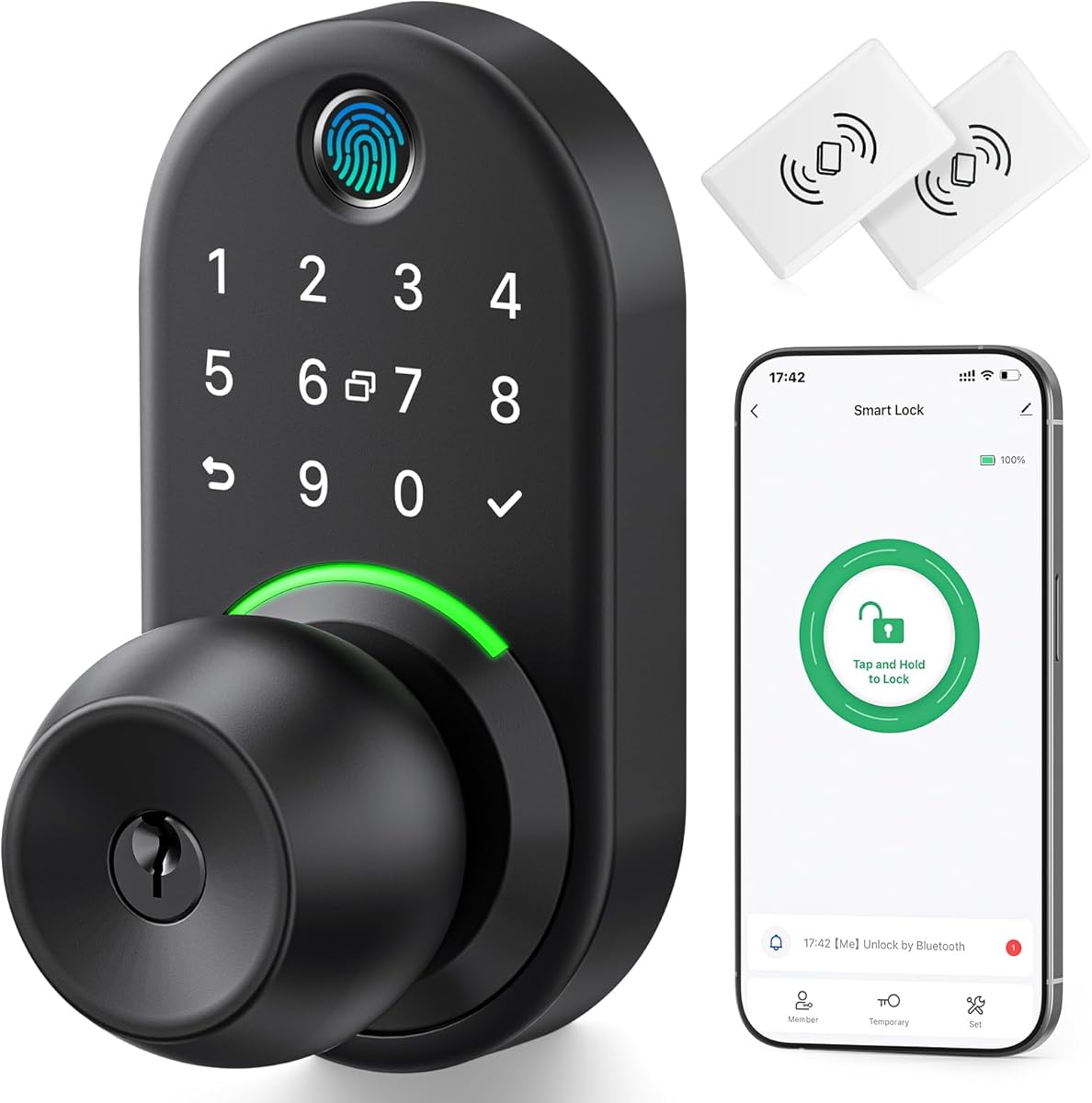
TEEHO TE001 delivers excellent value with 20 access codes, one-time PINs, and a 365-day battery life. It holds a 4.5 rating as a reliable and cost-effective deadbolt solution.
We may earn a commission when you buy through this link, at no additional cost to you.
The auto-lock feature ensures your door is never left unlocked unintentionally while the sturdy aluminum alloy construction provides lasting durability against weather and daily use.
While it lacks app connectivity or remote access, it excels as a straightforward keypad entry system for homeowners seeking simplicity and affordability.
Ideal for first-time smart lock buyers or those upgrading an existing deadbolt, this model offers dependable security without complexity.
Set up family codes and guest one-time PINs quickly without needing internet or extra setup.
Enjoy up to a year of operation on a single set of AA batteries for reduced maintenance.
We may earn a commission when you buy through this link, at no additional cost to you.
This Yamiry digital knob lock is designed for hassle-free installation taking less than 15 minutes with a screwdriver. It receives a 4.4 rating for its user-friendly setup and reliable performance.
We may earn a commission when you buy through this link, at no additional cost to you.
The backlit keypad ensures easy code entry in low-light conditions while the IP54 weather resistance protects against rain and dust exposure outdoors.
It lacks app control but provides ample features like auto-lock and 20 codes for standard residential needs without unnecessary complexity.
For homeowners wanting a quick upgrade without wiring or hubs, this lock offers solid protection and straightforward usability.
Replace your existing handle in minutes without drilling or professional help using just a screwdriver.
Built to withstand outdoor conditions ensuring reliable performance throughout all seasons.
We may earn a commission when you buy through this link, at no additional cost to you.
This lock offers five unlock methods including fingerprint, app, key fob, password, and physical key for flexible access. It earns a 4.3 rating for combining biometric speed with traditional reliability.
We may earn a commission when you buy through this link, at no additional cost to you.
Bluetooth connectivity allows local control and fingerprint management while the high-hardness aluminum material prevents external damage and corrosion effectively.
Remote control depends on a separately purchased WiFi gateway which may be a limitation if full smart integration is desired from the start.
Suitable for families seeking a blend of modern convenience and key backup options this model delivers dependable everyday security.
Store up to 50 fingerprints for quick access without needing codes or physical keys.
High-hardness aluminum construction ensures long-lasting durability and resistance to harsh weather.
We may earn a commission when you buy through this link, at no additional cost to you.
Veise VE017 features self-learning AI fingerprint tech delivering under 0.2-second unlocks with 99.99% accuracy. It holds a 4.3 rating for advanced recognition and flexible user management.
We may earn a commission when you buy through this link, at no additional cost to you.
Local AES128 encryption stores credentials directly on the lock to eliminate cloud risks while 4 password modes support temporary codes recurring access or permanent family codes.
Voice assistant compatibility requires a separate G1 gateway and the system focuses on offline privacy rather than cloud-based storage or tracking.
For privacy-conscious families needing fast entry and granular control this lock delivers unmatched security without relying on cloud servers.
Credentials stay encrypted locally on the lock preventing potential cloud data breaches.
The AI chip refines recognition accuracy with every use to ensure faster and more reliable access.
We may earn a commission when you buy through this link, at no additional cost to you.
This set includes two smart knobs with integrated 2.4GHz Wi-Fi enabling no-hub remote control from anywhere. It earns a 4.5 rating for its comprehensive entry features and build quality.
We may earn a commission when you buy through this link, at no additional cost to you.
Support for 100+ PINs and 20 fingerprints ensures ample access options while IP65 protection guarantees reliable performance in extreme weather conditions.
It relies on 2.4GHz networks and requires setup with the Wi-Fi enabled for remote access though the direct connection simplifies the overall system.
Perfect for households wanting a complete two-knob solution with robust smart features this model delivers high value and seamless home security.
Connect directly to your router without a hub for instant remote locking and activity alerts.
IP65 waterproof and dustproof design ensures reliable operation in rain, sun, and extreme temperatures.
We may earn a commission when you buy through this link, at no additional cost to you.
Selecting the right digital door lock involves evaluating connectivity, biometric speed, and ease of installation to fit your home.
Decide whether you need Bluetooth, Wi-Fi, or a hub-based system. Wi-Fi models allow remote access without extra hardware but require stable network strength.
Choose Wi-Fi for remote control or Bluetooth for local use with lower cost.
Look for locks offering multiple unlock ways like fingerprints, codes, voice, and physical keys. More options increase convenience for family and guests.
Prioritize models with both biometric and traditional methods for backup.
Check door thickness, bore hole size, and existing hardware compatibility. Many locks fit standard doors but some need a 54mm hole.
Ensure your door size matches the lock specs before purchase to avoid return.
Long battery life reduces maintenance. Most locks last six to twelve months but Wi-Fi models may drain faster.
Select locks with low-battery alerts and USB emergency ports.
Look for BHMA or ANSI Grade ratings to ensure durability against forced entry. Higher grades provide better resistance to tampering.
Prioritize Grade 3 or higher for maximum residential security.
Check compatibility with Alexa, Google Assistant, or smart ecosystems. Integration allows voice control and automated routines.
Ensure voice assistant support is built-in or via gateway for your needs.
Evaluate app functions like access logs, temporary codes, and remote locking. A good app improves user management and transparency.
Choose apps with user-friendly design and detailed activity tracking.
For outdoor use, look for IP ratings like IP53 or IP65 to protect against rain and dust. This ensures durability in various climates.
Confirm weather rating fits your region's extreme temperature range.
Start by reading the manual to understand installation steps and reset procedures. Ensure your door thickness and hole size match the lock specs.
Regularly update firmware via the app to maintain security. Keep the keypad clean and dry for reliable fingerprint and code recognition.
Replace batteries when prompted or check annually. Test all unlock methods occasionally to ensure they work as expected.
Most digital locks are designed for DIY installation with a screwdriver in minutes. Ensure your door size matches the lock's requirements before starting.
Most locks feature low-battery alerts before shutdown. Many include emergency power ports for temporary charging or physical backup keys.
Many models work with Alexa or Google Assistant via app pairing. Some may require a separate hub or gateway for voice commands.
Some are deadbolts replacing old ones while others are handle sets. Check compatibility with your current lock setup before purchasing.
Yes, modern locks use encrypted sensors and self-learning AI. Your data is typically stored locally on the device for privacy.
Smart models offer real-time alerts and activity logs via app. Check if the lock supports remote monitoring before buying.
Battery life ranges from six to twelve months on average. Usage frequency and connectivity type affect longevity.
Many outdoor locks carry IP ratings for water and dust resistance. Confirm the lock fits your local weather conditions.
The Philips WiFi Keypad Deadbolt, TEEHO TE001, and Schlage Encode lead this lineup for overall performance, value, and security. Each model brings unique strengths suited to different user needs.
When selecting your lock, prioritize connectivity, biometric accuracy, and battery longevity to ensure long-term satisfaction. Balance smart features with security certifications for peace of mind.
Verify current product details and compatibility before purchase as specifications may change. Investing in the right digital door lock secures your home with modern convenience.