
havit HV-F2056 Laptop Cooling Pad
4.4Editor score
Ultra quiet operation
Ergonomic height settings
Extra USB ports
Gaming laptops like MSI models run hot during intense sessions. A dedicated cooling fan helps dissipate heat efficiently to maintain peak performance and protect internal components from thermal throttling or long term damage.
We compared ten top rated cooling pads based on fan speed, airflow design, noise levels, and compatibility with various MSI laptop sizes. Our analysis focuses on real world performance data to help you choose the right solution.
Each pick below shows specific features and strengths. These recommendations are based on verified product details. Prices and availability can change rapidly, so always check current listings before making your final purchase decision today.
4.4Editor score

4.4Editor score

5.0Editor score
As an Amazon Associate we earn from qualifying purchases.
The following table provides a side by side comparison of all ten products including key specifications to help you quickly identify the best fit for your specific MSI laptop model needs.
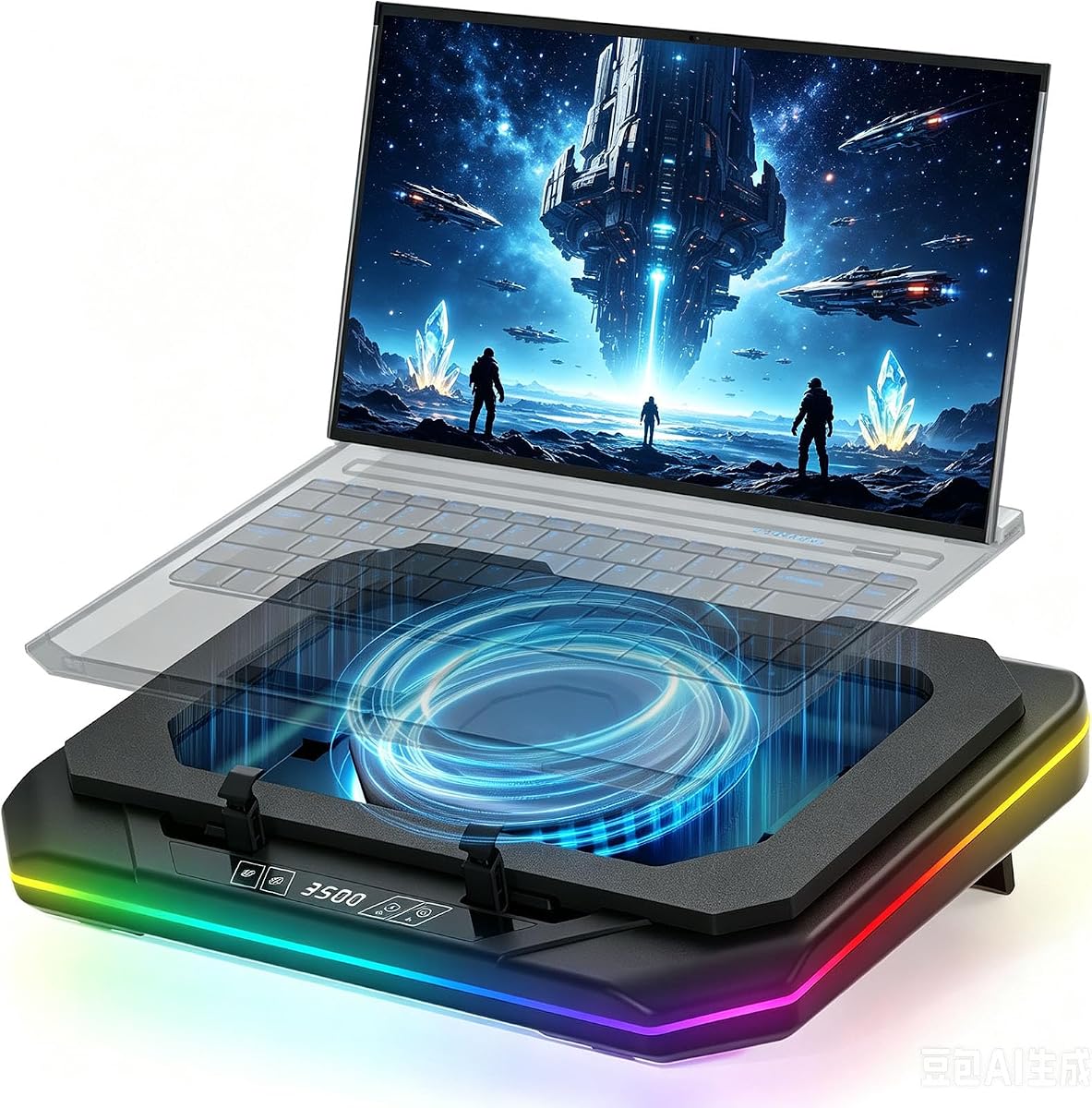


This top rated cooling pad stands out with its intelligent fan control system that adapts to your laptop temperature automatically. It holds a strong rating and offers premium features tailored for gaming performance and long term device health.
We may earn a commission when you buy through this link, at no additional cost to you.
The airtight pressure chamber ensures all cool air reaches the laptop intake effectively. With three magnetic frames included you can use it with various laptop sizes. Razer Synapse lets you customize fan curves for specific scenarios easily.
While it offers great performance the higher cost might be a factor for some users. Also full customization requires software installation which adds a step to setup. These trade offs are acceptable given the smart cooling benefits it provides.
It is ideal for users who want automated thermal management without manual intervention. Gamers and professionals using powerful MSI laptops will benefit most from the consistent cooling and extended hardware life this pad delivers.
The system monitors temperatures and adjusts fan speeds automatically to keep your MSI laptop running smoothly during any task without user input required.
Razer Synapse allows you to remap buttons and set custom fan curves so you can prioritize quiet operation or maximum cooling based on your immediate needs.
We may earn a commission when you buy through this link, at no additional cost to you.
This cooling pad offers essential performance at a budget friendly price making it accessible to many users. It features three quiet fans and a sturdy metal mesh surface that protects your investment while providing reliable airflow.
We may earn a commission when you buy through this link, at no additional cost to you.
The lightweight design makes it easy to carry around. Two height settings help improve ergonomics during long sessions. The extra USB port adds convenience for connecting peripherals without using laptop ports.
It lacks advanced controls or flashy lighting which might appeal to some enthusiasts. However for basic cooling needs it performs well. The quiet fans ensure it does not distract during work or gameplay sessions effectively.
Buyers seeking an economical solution will find this pad meets their needs perfectly. It is suitable for students or casual gamers who need effective cooling without spending extra on premium features.
You get reliable cooling performance without a high price tag making this one of the most accessible options on the market for MSI laptop owners.
The slim and lightweight build allows you to take it anywhere protecting your laptop from overheating in any environment whether at home or traveling.
We may earn a commission when you buy through this link, at no additional cost to you.
This specialized cooling pad targets large MSI gaming laptops with industrial grade turbofans capable of high RPM speeds. It holds a perfect rating for its effectiveness in reducing temperatures quickly during intense gaming sessions.
We may earn a commission when you buy through this link, at no additional cost to you.
The sealed wind pressure design directs airflow exactly where needed to prevent leaks. Retractable side panels and foldable footrests ensure compatibility with different laptop sizes. RGB lighting adds a premium gaming aesthetic to your setup.
Noise levels can rise at maximum speeds which might bother noise sensitive users. Also the price reflects its premium build and performance. These factors are reasonable trade offs for the significant cooling improvements it offers.
Gamers with high end MSI models will appreciate the targeted design. It delivers rapid heat dissipation that keeps performance stable. If you prioritize cooling power over silence this pad is a top choice.
Engineered specifically for large MSI gaming laptops it delivers rapid temperature drops that help sustain high performance during demanding gaming workloads without throttling.
The RGB lighting modes and high end build quality match the visual style of gaming laptops creating a cohesive and immersive gaming atmosphere for your desk setup.
We may earn a commission when you buy through this link, at no additional cost to you.
This pad is designed to match the ventilation needs of MSI Vector laptops perfectly. It offers powerful cooling with a high power adapter ensuring consistent performance. Users report rapid temperature reduction and smooth operation.
We may earn a commission when you buy through this link, at no additional cost to you.
The special air duct design helps reduce noise even when fans run at high speeds. Dust filtration keeps internal components clean over time. RGB lighting and USB hub add convenience and style to your gaming station.
Noise can still be noticeable at maximum settings which might be a drawback for quiet environments. The price is higher but justified by the tailored design. It is a solid investment for MSI Vector owners.
If you own a Vector laptop this pad ensures optimal cooling alignment. It prevents overheating and extends hardware life. For dedicated gamers this targeted approach provides reliable performance under pressure.
The cooling pad is engineered to match the ventilation layout of MSI Vector laptops ensuring maximum efficiency and preventing hot spots during intense workloads.
Special air ducts help lower operational noise compared to standard fans making it more pleasant to use during long gaming sessions without sacrificing cooling power.
We may earn a commission when you buy through this link, at no additional cost to you.
This cooling pad features five quiet fans that provide broad coverage for laptops ranging from 12 to 17 inches. It includes switches to control fan groups individually for flexible cooling and noise management.
We may earn a commission when you buy through this link, at no additional cost to you.
The dual USB hub helps expand connectivity. Six height settings allow you to find a comfortable typing angle. Stoppers on the front keep the laptop secure preventing accidental slips during use.
Customization is limited to manual switches without software integration. The LED lights are fixed in color which may not suit all aesthetic preferences. These are minor issues given the overall performance and price.
It works well for various laptop sizes and brands including MSI. The ergonomic benefits and flexible fan control make it a versatile choice. Users needing adaptable cooling will find it very practical.
Switches allow you to activate one four or all five fans depending on cooling needs giving you direct control over noise and temperature without software.
Six height settings help raise your screen to eye level reducing neck strain during extended gaming or work sessions improving comfort and posture significantly.
We may earn a commission when you buy through this link, at no additional cost to you.
This pad offers extensive coverage for large laptops up to 19 inches. Nine fans ensure broad airflow while an LCD display shows current fan speeds. It brings a high gaming aesthetic with plenty of RGB options.
We may earn a commission when you buy through this link, at no additional cost to you.
Eight height stands let you adjust the viewing angle precisely. The capacitors help reduce noise even at higher speeds. USB ports provide extra connectivity for peripherals. It suits users who want visibility and customization.
Managing nine fans can be complex for some users. Noise levels may vary slightly depending on fan configuration. These factors are manageable for those who prioritize visual appeal and large size support.
It is ideal for owners of large MSI models needing substantial cooling. The visual features and extensive height options add value. If you want a flashy and functional cooler this is a strong contender.
With nine fans and wide coverage it accommodates large 19 inch laptops ensuring even cooling across the entire surface preventing hotspots in larger gaming machines.
Ten RGB light modes and an LCD display offer rich visual customization making it easy to match your gaming setup aesthetics while monitoring fan performance at a glance.
We may earn a commission when you buy through this link, at no additional cost to you.
This cooling pad integrates smart software control to adjust fan speeds based on workload. It features a powerful turbo fan and memory foam seal to direct air effectively into laptop intakes for optimal cooling.
We may earn a commission when you buy through this link, at no additional cost to you.
The 36W adapter ensures the fan runs at full capacity without draining laptop battery. A removable dust filter makes maintenance easy. RGB lighting and a USB 3.0 hub add useful features to your setup.
Manual adjustments are possible via a built-in scroller if software is not desired. Some users might find software dependency inconvenient. These issues are minor compared to the intelligent cooling benefits offered.
It suits gamers who want automated thermal management. The powerful cooling and robust build make it reliable for demanding tasks. For MSI laptop owners needing consistent performance this is a top choice.
Smart modes automatically adjust fan speeds based on your system load so you get the right cooling power without manual changes while focusing on work or games.
A dedicated wall adapter provides enough power to run the turbo fan at full speed ensuring maximum cooling performance without draining your laptop battery unnecessarily.
We may earn a commission when you buy through this link, at no additional cost to you.
This pad delivers powerful cooling with a large diameter turbo booster fan. It reduces temperatures quickly during heavy tasks like rendering or AAA gaming. The scroll wheel allows precise and instantaneous airflow adjustments.
We may earn a commission when you buy through this link, at no additional cost to you.
The 36W output ensures robust performance even under stress. Integrated dust filtration protects internal components extending device lifespan. RGB lighting modes create a nice ambiance and the memory function saves your preferred settings.
Noise can reach higher levels at maximum speed which might be distracting. The build is sturdy but slightly heavier than portable options. These are reasonable trade offs for the high performance it provides.
It is excellent for users prioritizing raw cooling power. The quick temperature drop and precise control make it valuable for MSI laptops. If you need effective heat management this model stands out.
The large turbo booster fan pushes significant airflow to reduce CPU and GPU temperatures quickly ensuring your laptop stays cool during extended gaming sessions.
An integrated high density filter captures hair and debris before they enter laptop vents protecting internal fans and extending the overall lifespan of your device.
We may earn a commission when you buy through this link, at no additional cost to you.
This cooler features a sealed airflow design that directs air efficiently into laptops for powerful cooling at low noise levels. It works well with MSI gaming laptops and ultrabooks alike for broad compatibility.
We may earn a commission when you buy through this link, at no additional cost to you.
The fan speed ranges from 800 to 2600 RPM so you can choose between quiet work or intense gaming modes. Memory foam seals the air effectively. RGB modes and adjustable angles add comfort and style.
A USB C cable is included but a wall adapter for full power is not. The build is lightweight which aids portability. These factors are minor compared to the efficient performance it delivers.
It is perfect for users who need quiet operation. The sealed airflow design ensures heat is removed without excessive noise. If balance between performance and silence is key this pad is a great pick.
The sealed design directs air straight into the laptop intakes so it cools harder at lower speeds making it quieter than many open style cooling pads available.
Powered via USB C or wall charger you can run the fan from your laptop port or a dedicated adapter giving flexibility for desk use or mobile setups.
We may earn a commission when you buy through this link, at no additional cost to you.
This cooler is designed for a wide range of gaming laptops up to 21 inches. It delivers rapid cooling with a powerful turbo fan and includes an LED display for real time fan speed monitoring.
We may earn a commission when you buy through this link, at no additional cost to you.
Touch sensitive buttons allow for instant adjustments to find the right balance between noise and cooling. The double non-slip baffles hold the laptop securely. An additional dust filter is included for convenience.
Touch buttons can be sensitive requiring care when adjusting settings. The price is higher than basic models but reflects the build quality. These are small issues for such a versatile and effective cooler.
It works well for older and newer models. The wide compatibility and sturdy design make it reliable for many users. If you need a strong universal cooler for large laptops this is a solid choice.
Designed for laptops ranging from 15 to 21 inches it works with older and newer models ensuring compatibility across a wide variety of gaming hardware brands.
An LED display shows fan speed in real time helping you monitor cooling performance easily so you can adjust settings based on current temperature conditions.
We may earn a commission when you buy through this link, at no additional cost to you.
Choosing the right cooling pad requires attention to several factors that directly impact performance comfort and compatibility with your specific MSI laptop model.
Higher RPM fans move more air which helps dissipate heat faster during intense gaming. Look for models with adjustable speed so you can balance performance with noise levels.
Choose fans with sufficient airflow capacity to match your MSI laptop thermal needs.
Ensure the cooling pad supports the exact dimensions of your laptop model. Many pads range from 15 to 19 inches and some target specific MSI series.
Select a pad that matches your screen size to avoid overhang or instability.
Some fans operate quietly while others can be loud at high speeds. Check decibel ratings if you need a quiet environment for calls or sleep.
Prioritize models with adjustable noise settings if you value silent operation.
Metal mesh and sturdy plastics improve durability and stability during gaming. A solid frame prevents wobbling and protects your laptop from slipping.
Look for reinforced designs that offer long term use without bending.
Height adjustable stands help improve posture by raising your screen to eye level. This reduces strain during long gaming or work sessions.
Pick pads with multiple tilt angles to find a comfortable typing position.
Some models include filters to trap dust and debris which extends both cooler and laptop lifespan. Clean filters regularly to maintain airflow efficiency.
Choose pads with washable filters to reduce maintenance efforts.
Cooling pads with USB hubs help expand your laptop ports for keyboards and mice. This reduces cable clutter and improves access to peripherals.
Verify USB versions and power output to ensure compatibility with your devices.
Some pads draw power from USB ports while others come with wall adapters for full fan speed. Dedicated power ensures maximum cooling without draining battery.
Select models with adapters if you need consistent full speed performance.
Place the cooling pad on a flat stable surface and connect it to your laptop using the provided cable. Ensure vents align properly so airflow enters the laptop bottom intakes effectively.
Adjust the fan speed using buttons or software to balance noise and cooling power. Use higher speeds during gaming and lower speeds for quiet tasks.
Clean dust filters regularly using a soft brush or vacuum. Periodically check fan blades for debris to maintain optimal airflow and extend device lifespan.
Yes cooling fans significantly improve thermal performance by lowering internal temperatures. This prevents thermal throttling allowing your MSI gaming laptop to maintain higher clock speeds and better frame rates during intense gaming.
Most cooling fans are designed to fit laptops between 15 and 19 inches. However some models are optimized for specific MSI sizes so check the compatibility details before buying.
Noise levels vary by model and fan speed. Many offer adjustable speeds so you can reduce noise when needed. High performance fans may produce more sound at maximum speed.
You should clean dust filters every few weeks or monthly depending on usage. Regular cleaning keeps airflow efficient and prevents dust from entering your laptop intakes.
Yes effective cooling reduces heat exposure to internal components which can extend the lifespan of your laptop and prevent long term damage from overheating.
Cooling fans generally work with any laptop that fits the size range. Older MSI laptops can benefit greatly from the added airflow to prevent overheating issues.
The Razer Cooling Pad leads with smart thermal management and the havit HV-F2056 offers great value. The MSI Raider Cooling Pad delivers top performance for large models.
Consider your priorities such as noise control cooling power or budget when selecting a cooling fan. Each pick serves different needs and MSI laptop sizes.
Check current prices and availability before buying as details can change frequently. Choose the model that best fits your gaming habits and device requirements today.